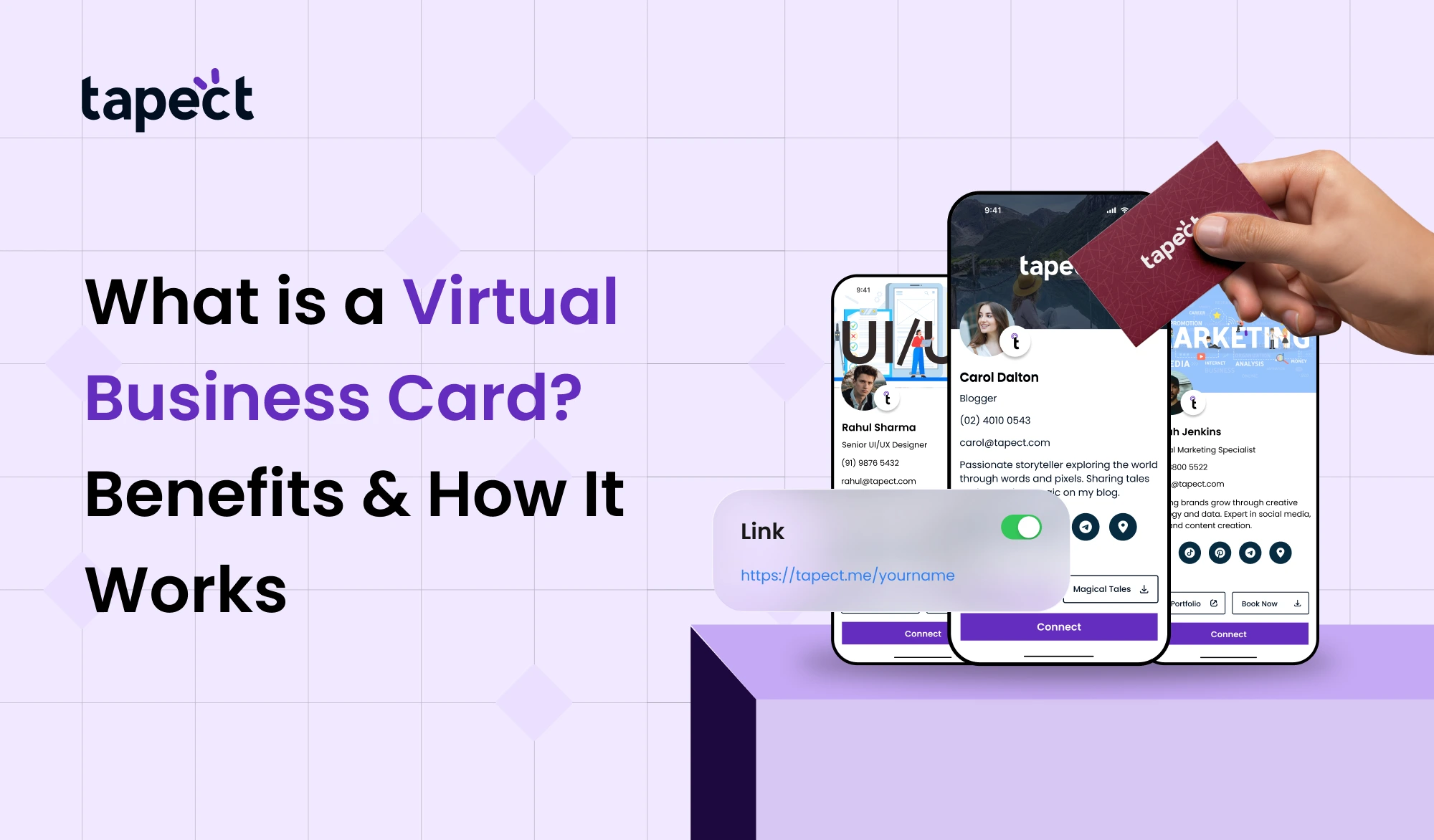
The way we share contact information is evolving quickly in today’s digital world. People still use paper cards, but they often lose or forget them. That’s why a lot of people are now using virtual business cards.
It’s easy and wise to share your information online with a virtual business card. You don’t give someone a printed card; instead, you send them a link, a QR code, or tap with an NFC card. It produces a powerful impact and saves time.
If you want to meet more people and get more leads, knowing how a virtual business card works might be quite helpful.
What is a Virtual Business Card?
A virtual business card is a digital copy of your regular business card. It keeps all of your contact information, social media links, website, and more in one place.
You can share your virtual business card with only one swipe or scan instead of printing hundreds of cards. It works on PCs, tablets, and smartphones.
A lot of people also link their electronic business card to a digital business card platform, which makes it easier to share and make changes.
Why Virtual Business Cards Are Becoming Popular
There is a reason why things are moving from paper to digital. In actual life, a virtual business card is more useful.
Simple to Share
You may send your virtual business card in seconds by email, WhatsApp, or a QR code.
No More Missing Cards
Your electronic business card stays on the user’s phone, unlike traditional cards.
Always Up to Date
You can alter your electronic business card at any moment if your phone number or website changes.
A Better First Impression
A smart business card indicates that your brand is up-to-date and professional.
How a Virtual Business Card Works
A smart business card is easy to use and understand.
Step 1: Make Your Card
You can use an internet tool like Tapect to make a digital business card. Include your name, phone number, email, and links.
Step 2: Make Share Options
You can distribute your smart business card when it’s ready by using:
- QR code
- Link
- NFC tap
Step 3: Share with Others
When someone scans or taps, your smart business card opens right away on their phone.
Step 4: Save and Connect
People can bookmark your contact information, go to your website, or get in touch with you directly.
Key Features of a Virtual Business Card
A smart business card is more than just a contact card. It has a lot of smart features.
Contact Details
Address, phone number, email, and name.
Social Media Links
Include Facebook, Instagram, LinkedIn, and others.
Website & Portfolio
Your smart business card should show off your work.
Call-to-Action Buttons
It’s easy to get in touch with buttons like “Call Now” or “Save Contact.”
Analytics (on some systems)
Some platforms for making digital business cards let you see how many people looked at your card.
Benefits of Using a Virtual Business Card
A virtual business card has numerous benefits over a regular business card.
1. Saving Money
You don’t have to print it out over and over. A virtual business card lasts a long time.
2. Good for the environment
Less paper means less trash. A smart business card is better for the planet.
3. Sharing right away
You can give out your smart business card at any time and from any place.
4. More involvement
People can click on your links right from your smart business card.
5. More leads
A virtual business card makes it easy for individuals to get in touch with you, which increases your chances of getting leads.
Business Card in Virtual Reality vs. NFC
A lot of people mix up a virtual business card with an NFC business card. Let’s get that straight.
Virtual Business Card
- Fully digital
- Shared via link or QR code
- Works on all devices
NFC Business Card
- Physical card with NFC chip
- Tap to share details
- Needs NFC-supported phone
A smart business card and an NFC business card function well together. When someone taps your NFC card, they can see your digital profile.
Traditional Card
- Can be lost easily
- Limited information
- Needs reprinting
Virtual Business Card
- Always accessible
- Unlimited information
- Easy to update
In today’s networking, a smart business card is certainly more helpful and versatile.
How to Create Digital Business Card Easily
Making a smart business card is quite easy.
Pick a Platform
Choose a digital business card platform that you can trust, like Tapect.
Put in your information
Put in your profile picture, links, and contact information.
Make the design your own
Pick colours and a layout that fit your brand.
Share and Save
You can now utilize your smart business card.
Best Ways to Share Your Virtual Business Card
Sharing your virtual business card in the appropriate way makes it more visible.
QR Code
Put it on your posters or cards.
Email and WhatsApp
Send the URL to your smart business card right away.
NFC Tap
Share right away with an NFC business card or NFC card.
Social Media
Put the URL to your smart business card in your bio.
Tips to Get More Leads with Virtual Business Card
Use your smart business card wisely to get better results.
Keep It Clean
Don’t give too much information.
Use a clear CTA
Use buttons like “Call Now” or “Visit Website” to help users.
Add a professional picture
It helps people trust and connect with each other.
Connect Important Pages
Make sure that your virtual business card links to important information.
Common Mistakes to Avoid
When utilising a smart business card, don’t make these mistakes:
- Not updating information
- Adding too many links
- Poor design
- Not testing QR or NFC sharing
A good virtual business card works much better.
Future of Virtual Business Cards
Digital networking is the way of the future. More and more firms are using smart business card.
It’s become easier to combine NFC business cards, business card NFC, and internet sharing using solutions like Tapect.
Professionals will soon all have smart business card.
FAQs
1. What does a virtual business card look like?
You can share a virtual business card online. It’s a digital version of a regular card.
2. Are virtual business cards superior than traditional cards?
Yes, it’s easier to distribute, update, and store a virtual business card.
3. Can I use NFC with a digital business card?
A nfc business card or nfc card can open your smart business card right now.
4. How can I make a digital business card?
You can make a digital business card in just a few steps utilising sites like Tapect.
5. Is it free to get a smart business card?
Some tools have free plans, but you may have to pay for more advanced capabilities.
Conclusion
In today’s digital environment, a virtual business card is a clever method to give out your contact information. It’s easy, quick, and works better than regular cards.
You can connect with individuals right away using alternatives like QR codes, links, and NFC business cards. A virtual business card can help you network and receive more leads, whether you work for yourself, own a business, or are a professional.
If you want a modern way to generate and keep track of your smart business card, systems like Tapect make it easy. Start now and make every connection a chance.