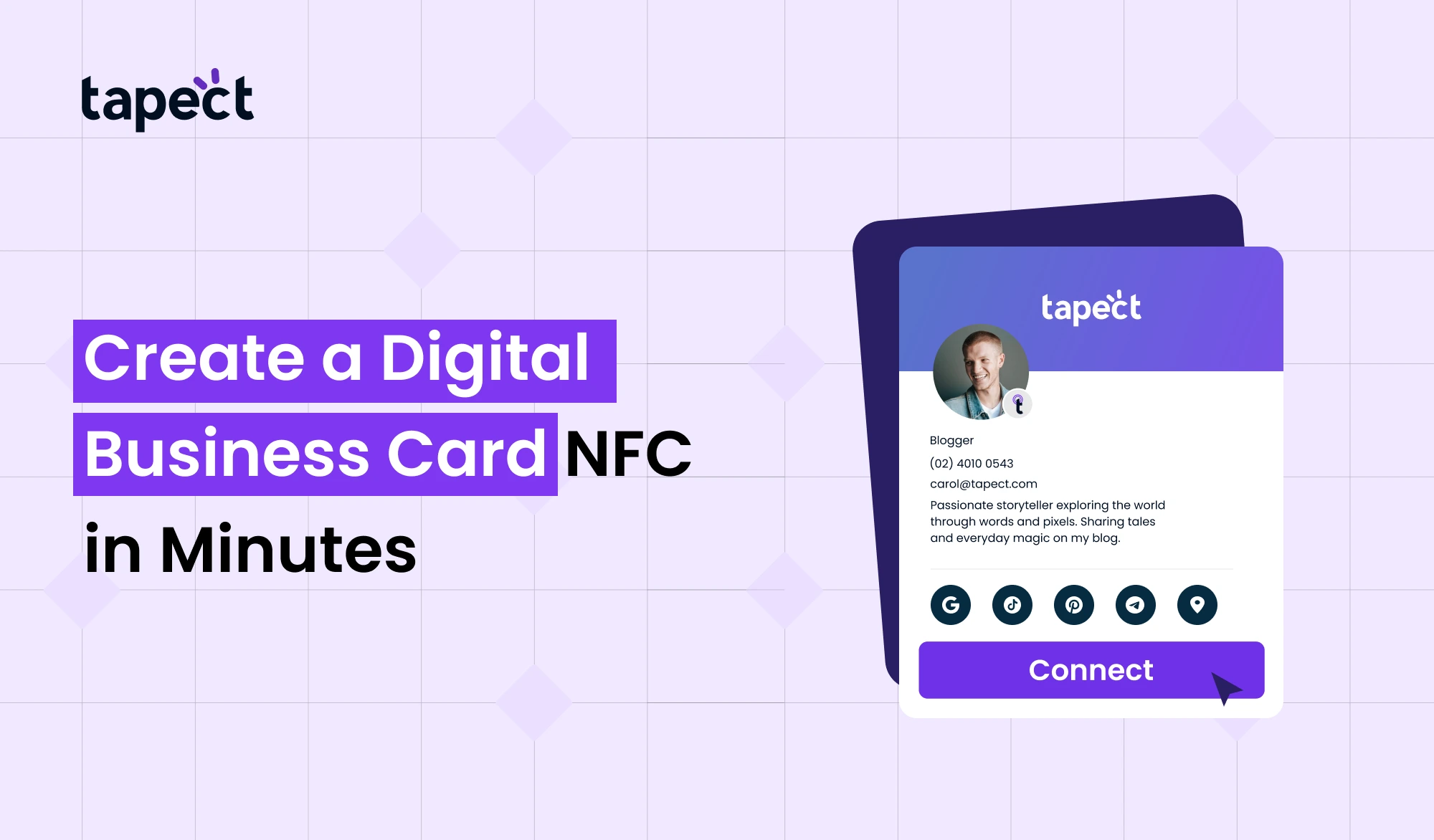
Sharing your contact information should be quick and easy in today’s fast-paced environment. People don’t want to enter in numbers or preserve information by hand anymore. That’s why professionals and business owners are starting to use Digital Business Card NFC.
You can share your contact, website, or profile with only one tap. No paper means no wait. This article will show you how to connect and get more leads in a modern method, step by step.
Let’s get going.
What is a Digital Business Card NFC?
A Digital Business Card NFC is a smart card that employs NFC, or near-field communication, to work. When someone taps your card on their phone, your information opens right away.
You don’t need to type or use apps. It works in a few seconds.
This card is digital and interactive, unlike a regular business card. It can hold:
- Your name and contact
- Website link
- Social media
- Business details
It works like your visiting card, except it’s smarter and more powerful.
Why Choose a Digital Business Card NFC?
A Digital Business Card NFC isn’t simply a fad. It fixes actual problems.
1. Sharing right away
You don’t have to say anything. Simply tap and share your information.
2. No Need for Paper
Stop printing cards again and over again. This cuts down on the expense of printing business cards.
3. Always up to date
You can modify your number or link at any time.
4. A better first impression
A clever NFC business card makes you look modern and professional.
5. Works Anywhere
You don’t have to look for visiting card printing near me every time you run out of cards.
How Digital Business Card NFC Works
It’s extremely easy to do.
- You tap your Digital Business Card NFC on a smartphone
- The phone reads the NFC chip
- Your profile opens instantly
That’s all.
This makes it easy and quick to use your digital business card at meetings, events, or when you’re just networking.
How to Create a Digital Business Card NFC in Minutes
Making your own NFC digital business card is easier than you think.
Step 1: Pick a Service You Can Trust
Choose a trustworthy digital business card service, such as Tapect. A solid platform makes it easy to set up and share.
Step 2: Fill in your information
Type in your details, like:
- Name
- Phone number
- Website
- Social links
This is what your digital profile looks like.
Step 3: Make Your Card Unique
Make your business card seem good:
- Add your logo
- Choose colors
- Keep it clean and simple
Step 4: Connect NFC to Your Profile
Your NFC business card will link to your online profile.
Step 5: Try it out before you use it.
Touch your Digital Business Card NFC to a phone to see whether it works.
Your card is now ready to go.
Why Tapect is a Smart Choice
Tapect makes it easy to put up quickly and easily.
You can do these things with Tapect:
- Create your Digital Business Card NFC in minutes
- Update your details anytime
- Share your my business card link instantly
- Use it for business or personal networking
It’s made for folks who seek rapid and informed answers.
Digital Business Card NFC vs Traditional Cards
Let’s look at both choices.
Traditional Visiting Card
- Limited information
- Needs reprinting
- Can be lost easily
Digital Business Card NFC
- Unlimited details
- No printing needed
- Always available on phone
A Digital Business Card NFC is definitely more adaptable than a normal business card.
Where You Can Use Digital Business Card NFC
A Digital Business Card NFC can be helpful in a lot of situations:
Meetings for Business
Share your information quickly and without wasting time.
Networking and Events
A stylish business card will help you stand out.
Stores and Offices
Put your card on the counter so it’s easy to get to.
Branding Yourself
Use it as a link to your business card to get more people to notice you.
Design Tips for Better Results
Your Digital Business Card NFC works better with a nice design.
Keep it clean
Don’t write too much.
Use Clear Fonts
Check to see that everything is easy to read.
Add a Call to Action
For instance:
“Tap to Connect”
“Tap to Save Contact”
Choose Quality Material
Your NFC business card should feel high-end.
Is Digital Business Card NFC Better Than LED Business Card?
A led business card looks cool, but it doesn’t do much else.
A Digital Business Card NFC is easier to use.
- LED card = good looks
- NFC card equals practical use and sharing
NFC is the superior choice if you want leads and connections.
Common Mistakes to Avoid
When you use a Digital Business Card NFC, don’t do these mistakes:
Not Testing the Card
Always check before you share.
Putting in Too Much Information
Make your profile easy to read and understand.
Bad Design
Your business card should seem neat and professional.
No Clear Action
After tapping, tell people what to do.
How Digital Business Card NFC Helps in Lead Generation
A Digital Business Card NFC is more than simply a way to share contact information. It helps you find leads.
Save Now
One tap lets others save your information.
Contact Directly
They can text or call you immediately away.
Visits to the Website
Get people to visit your website or landing page.
Better Follow-Up
No lost contacts equals a better chance to convert.
Future of Digital Business Card NFC
People are changing the way they network.
Smart solutions like Digital Business Card NFC are slowly taking the role of paper cards.
This tendency will keep going as more cellphones accept NFC. Companies are shifting toward digital technologies that are quick, simple, and good for the environment.
FAQs
1. What is an NFC digital business card?
A Digital Business Card NFC is a smart card that lets you share your contact information with only a tap.
2. Is it easy to make a Digital Business Card NFC?
Yes, you can make a Digital Business Card NFC in only a few minutes with a decent digital business card service like Tapect.
3. Will it work on all phones?
NFC is supported by most current cellphones. You can also use a QR code for some people.
4. Is it better than printing business cards?
Yes, it saves money and prints business cards faster than the old way.
5. Can I change my information later?
Yes, you can change your digital business card at any moment.
Conclusion
In today’s digital environment, a Digital Business Card NFC is a quick and easy way to exchange your information. It saves time, cuts down on printing costs, and makes networking easier.
You can use one smart card for everything instead of lugging around a lot of business cards. This application helps you connect better and faster, no matter if you operate a business, work for yourself, or are a professional.
It only takes a few minutes to make your Digital Business Card NFC with sites like Tapect. You’ll see how simple and useful it is once you start using it.
Now is the moment to switch to a Digital Business Card NFC if you want to make a good impact and build your network.