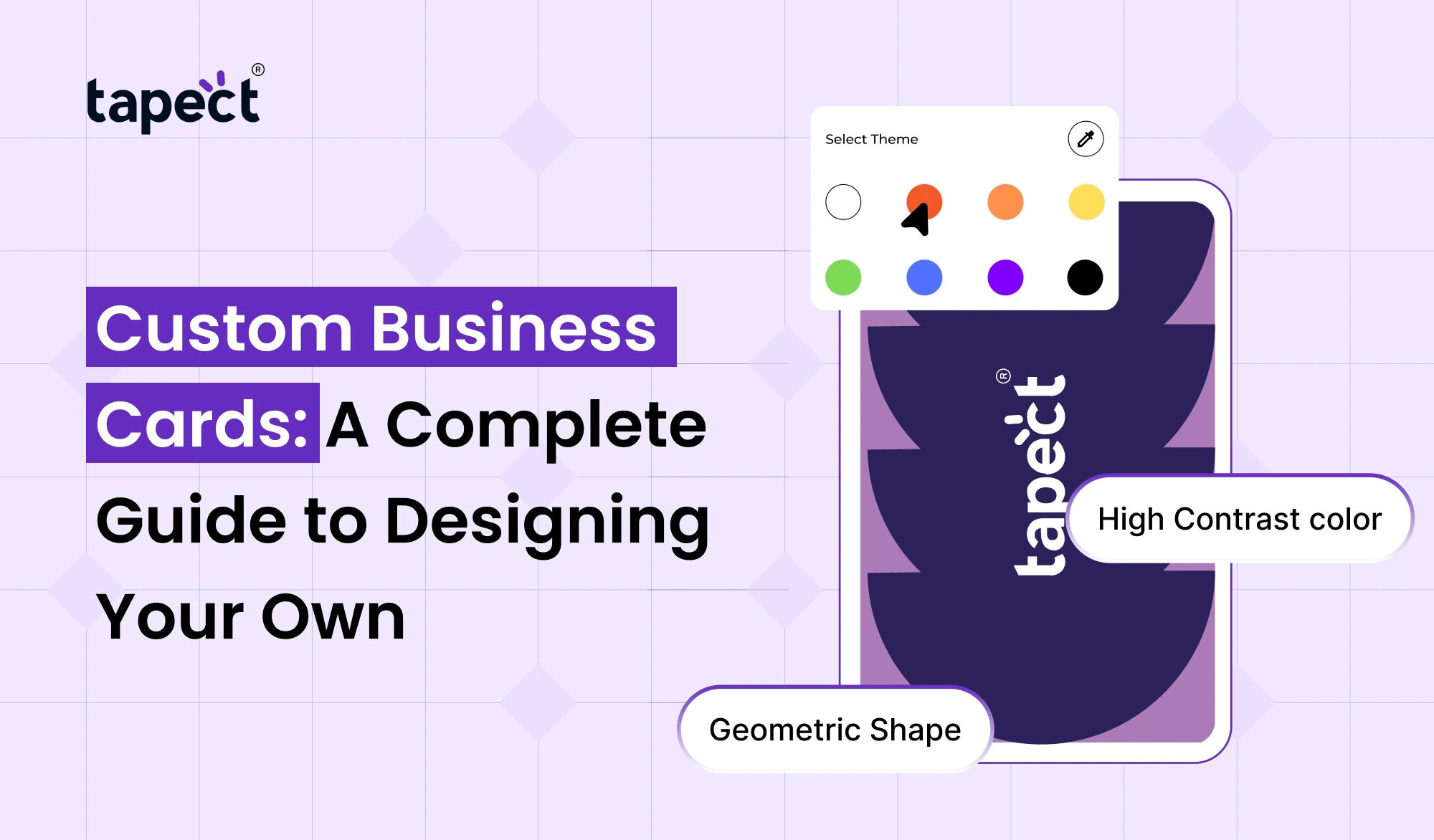
Your business card is one of the first things people see when they meet you. A good card should do more than simply state your name and phone number. It should be on-brand, look professional and make it easy for people to find and contact you later.
Today you have many choices other than the traditional paper card. Custom Business Cards allow you to design to suit your brand and select smart features such as NFC and QR technology.
If you’re a business owner, freelancer, consultant, realtor, designer, or salesperson, the right card can help you make a better impression.
What Are Custom Business Cards?
Custom Business Cards are cards that are customised to your business, personal brand or professional style. You can select the layout, logo, colours, text, images, finish and other elements.
Good Custom Business Cards Design should make it easy to find your important information. It should also be neat enough that people remember your brand after the meeting.
Modern cards can do one better. You can attach a physical card to a digital business card that allows people to find your contact details, website, social profiles, portfolio and other information all in one place.
Why Custom Business Cards Matter
A generic card can provide people with your contact details but it tells them very little about your brand.
Custom Business Cards gives you greater control over your business presentation. Using your brand colours, logo, fonts and messaging, you can make a card that feels like your business.
Picture the people you meet at a conference or networking event. They can pick up dozens of cards on a single day. A good card design has more chances to be seen and remembered.
A custom design can also help your business look more professional and well-established.
Start With Your Brand Identity
Think about your brand before you start designing your card.
Ask yourself:
- What does my business do?
- Who are my customers?
- What style represents my brand?
- What information should people remember?
- What action do I want people to take after meeting me?
Your answers will help you to create a better Custom Business Card Design.
Say, a creative agency might go for something bold and modern. A financial consultant might go with something clean and professional. A photographer could use a strong visual element to display his work.
This is not about adding everything. The aim is to make the right information easy to understand.
Choose the Right Information
You don’t have to put every detail about your business on your business card.
Start with the basics.
- Your name
- Job title
- Company name
- Phone number
- Email address
- Website
- Business logo
- Social media profile
You can also include a QR code that links to your online profile.
A digital card can hold much more information without crowding the physical card. Your profile can have services, product links, social media, reviews, maps, WhatsApp and other useful links.
Pick Colors That Match Your Brand
Colour plays a significant role in Personalised Business Cards.
Utilise colours that are already a part of your logo, website or other brand materials. This gives your marketing a consistent look.
Do not use too many colours. Two or three main colours will often work.
Ensure the text has sufficient contrast against the background. A pretty card is useless if people can’t read your phone number or email address.
Select Fonts Carefully
Pick a font that suits your brand, but is still readable.
Don’t use more than one decorative font on a card. One font for the headings and a simple font for the main details can work well.
Your name and company should pop out. Keep contact information clear and readable.
Good typography can elevate Custom Business Cards to look more polished, even without any other design elements.
Add Smart Digital Features
Networking is changing. People are more likely to store contact information on their phones rather than keeping a pile of paper cards.
This is where a nfc business card may come in handy.
If your card has NFC, someone with a compatible smartphone can tap your card and it’ll open your online profile. You can also put a QR code in for people who prefer to scan.
Share Your Contact Details, Website, Social Media, Portfolio, Location, WhatsApp and Other Links via One Profile NFC card.
That makes networking fast and easy.
Why Choose a Digital Business Card?
A digital business card offers you more flexibility than a traditional one.
Think about changing your phone number or business website after printing 500 cards. With paper cards you might need to print them again.
You can have the same physical card, but your information is updated digitally with a digital profile.”
You are able to add or change:
- Phone number
- Email address
- Website
- Social profiles
- Services
- Portfolio
- Business location
- Product links
- Review links
That makes a digital card a good option for professionals whose information changes over time.
Make Your Card Different With Tapect
Tapect blends the old networking world with the new technology world.
Tapect lets you create Custom Business Cards that reflect your brand and are linked to a digital profile. Wooden options will give you a natural, premium look and they also allow you to share with NFC and QR.
A wooden card can feel different than a normal paper card. Texture, finish and engraving can help make a better first impression.
Add your logo, contact details, QR code, brand info and digital profile on your card.
The outcome is a business card that functions as a physical networking tool and a smart connection point.
Benefits of Custom Business Cards
There are a few reasons why professionals prefer Custom Business Cards over basic cards.
1. Create a Better First Impression
Your card is your business when you are not there to explain it.
Thoughtful design can make your brand appear more professional and memorable.
2. Show Your Personality
With Personalised Business Cards you can choose a style that suits your profession and personality.
You can add custom colours, engraving, layouts and branding elements to make the card your own.
3. Make Networking Easier
An NFC-enabled card can cut down on manual typing.
They can tap or scan your online profile in a matter of seconds.
4. Keep Information Updated
Your physical card will stay the same, but you can always update your online profile.
This is useful if you change your phone number, website, services or social profiles.
5. Reduce Paper Waste
A reusable digital profile can mean fewer cards needing to be printed out repeatedly.
This can be an easy way for businesses that attend many networking events to use fewer paper cards.
How to Design Custom Business Cards Step by Step
Making Custom Business Cards doesn’t have to be complicated.
Step 1: Define Your Purpose
Decide where you will be using the card. Are you for meetings, conferences, sales visits, events or everyday networking?
Step 2: Add Your Brand
Use your logo, colours and style so that people can easily associate the card with your business.
Step 3: Keep the Layout Clean
Do not fill every empty space. Give your important information space to breathe.
Step 4: Add a QR Code or NFC
For more information, connect the card to your online profile.
Step 5: Review Everything
Before ordering, please check your phone number, email, website, spelling, logo and social links.
Step 6: Test the Digital Profile
If you employ an NFC chip or QR code, be sure to test it on a smartphone before handing the card over to customers.
Custom Wooden Cards for a Premium Look
If you want something other than regular paper, Tapect Wooden Cards are a fun alternative.
The natural wood finish gives the card a premium look, while the NFC and QR technology make sharing easy.
You can use a visiting card like this at conferences, customer meetings, exhibitions, networking events and sales meetings.
The card can lead to a conversation. People often see something different from the usual paper card.
Who Can Use Custom Business Cards?
Custom Business Cards can be good for almost any professional.
They are good for . . .
- Business owners
- Entrepreneurs
- Freelancers
- Realtors
- Consultants
- Sales professionals
- Designers
- Photographers
- Architects
- Doctors
- Marketing professionals
- Coaches
- Corporate teams
- Small businesses
- Startups
Having a professional card can make meeting new people as part of your job easier.
Tips for Getting More From Your Card
Your card is only good if your information is current.
Keep your digital profile up-to-date. Add your latest services, portfolio, social links, website & review page.
Make your QR code easy to locate. If you have NFC, tell people they can just tap their phone.
And most importantly, don’t just hand someone your card and walk away. Open the conversation and tell them how they can save your information with the card.
Frequently Asked Questions
1. What is a Custom Business Cards?
Custom Business Cards are business cards that feature your branding, information, colours, design and style. They can also come with digital elements like QR codes and NFC.
2. What is a Custom Business Card Design?
Custom Business Cards Design A card design created for your brand. It can include your logo, colours, fonts, contact details, QR code and other branding.
3. What is NFC Card?
What is a nfc card? An nfc card is a card that contains an NFC chip and can transfer information to compatible smartphones by simply touching them.
4. Can I switch my digital data at a later date?
Yes. You can update your profile online and not have to replace the physical card. This is handy if your business information or contact information changes, then a digital card is useful.
5. Are custom business cards good for a small business?
Yes. Personalised Business Cards help Small Businesses to create a professional identity and stand out at meetings and networking events.
6. Can Tapect cards work with NFC and QR technology?
Yes. Tapect cards can combine physical branding and digital sharing features, providing a convenient way to connect people to your online profile.
Conclusion
A business card should not just sit in a person’s wallet. It should be representative of your brand and make it easy for people to get in touch.
Custom Business Cards let you control the design, the branding, the information and the overall experience. NFC and QR technology helps extend your networking by bridging the gap between your physical card and your online presence.
Tapect combines intelligent digital networking with high quality card design. Whether you choose a wooden card or any other custom card, it’s easy to make a card that looks professional and helps you share your information.
Ready to Create Your Custom Business Card?
Upgrade your networking the smart way with Tapect. Make every new connection count with a card that’s on-brand and gets your information out there immediately.
Opt for Tapect and begin creating your personalised card today. Make your next intro more memorable, modern and effortless.