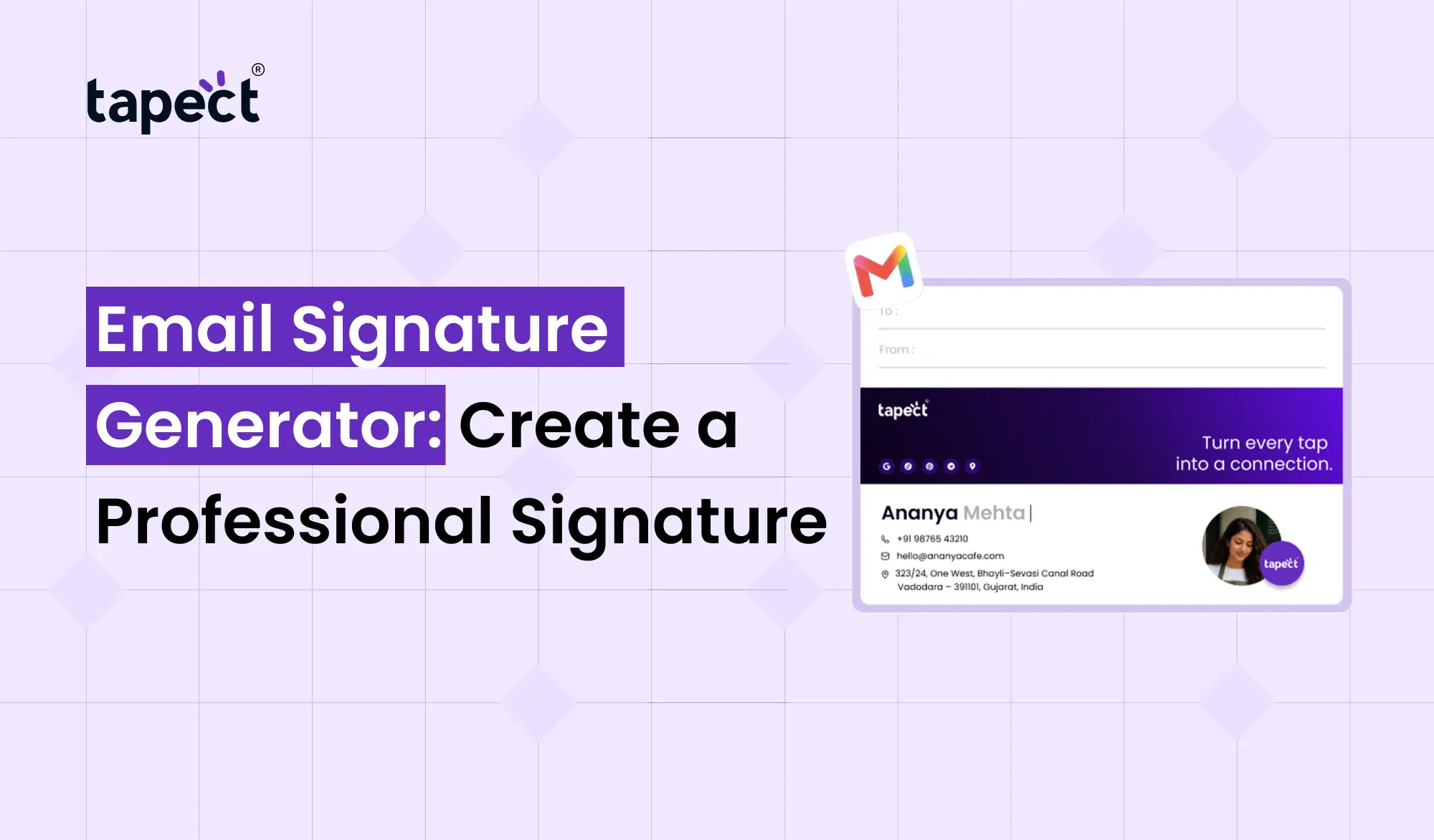
Every email you send is a little chance to make a good impression. If you are emailing a client, sending a proposal or replying to an inquiry, your email signature can tell people who you are and how to get in touch with you.
But it takes time to create a clean professional signature from scratch. You have to choose the right layout, add your contact details, add social links, and make sure everything looks good on different devices.
That’s where an Email Signature Generator comes into play. It allows you to make a professional email signature without design or coding skills.
With Tapect you can build a simple and useful signature that will make your emails look more professional and help people connect with you.
What Is an Email Signature Generator?
An Email Signature Generator is an online tool that enables you to create a ready-to-use email signature.
You don’t have to manually design your signature, you can just fill your information into a template and then customise it to your needs.
A standard email signature may contain:
- Your name
- Job title
- Company name
- Phone number
- Email address
- Website
- Social media links
- Company logo
- Call-to-action link
When your signature is ready, you can add it to your email account and use it when you send a message.
Why Use an Email Signature Generator?
A professional email signature is more than just a place to put your contact information. It can make your emails easier, and give people a simple way to reach you.
Here are some reasons to use an Email Signature Generator:
Save Time
It is frustrating to make a signature by hand. A generator gives you a pre-existing framework, so you can focus on adding your information rather than working on the design.
Look More Professional
A clean signature gives your email an organised look. It can also help create a cohesive look when communicating with customers or business partners.
Make Contact Easy
You can have your phone number, website and social links all in one place. Your contact information is not buried in your email for recipients to dig through.
Keep Your Branding Consistent
Businesses can give the same style to their team. This makes emails look connected to the company brand.
What Should a Professional Email Signature Include?
Before you start with an Email Signature Generator, determine what data you really need.
A simple business signature may consist of:
- Full name
- Job position
- Company name
- Phone number
- Business website
- Professional social profile
- Company logo
You may also include a brief CTA such as “Book a Meeting,” “Visit Our Website,” or “View Our Services.”
I have no memory of any of these things. Your signature should be useful, not busy.
How to Create an Email Signature
Designing an email signature doesn’t have to be hard. You can use an Email Signature Generator and follow some simple steps.
Step 1: Choose a Template
Begin with a clean template that fits your personal or business style.
Step 2: Add Your Details
Enter your name, job title, company name, phone number, website and other important details.
Step 3: Add Your Brand
Add your company logo and proper brand elements. For Tapect users, maintaining a clean, easy-to-read design will help keep things looking professional.
Step 4: Add Social Links
If your business has a LinkedIn, Instagram, Facebook or other professional account you can add in relevant links.
Step 5: Add a Call to Action
A CTA is a reason to click. For instance:
- Book a free consultation
- Visit our website
- View our portfolio
- Read our latest blog
- Contact our team
Step 6: Check the Signature
Before using the signature, send yourself a test email. See how it looks on desktop and mobile.
Email Signature Maker vs Email Signature Generator
When searching for tools you may come across terms like signature maker and email signature maker.
They are identical in most cases. Both allow people to create a professional signature without having to do it all by hand.
And the main thing to look for is ease of use. A good tool will let you update your details, tweak the design and create a signature that looks good across popular email platforms.
Another use of an email footer generator can be if you want to create a consistent footer for business communication.
Tips for Creating a Better Email Signature
There is no need for professional signatures to be complicated. Often easier to read simple design.
Things to remember when using an Email Signature Generator:
Keep It Short
The text is not translated into other languages, but is available in English.
Use a Clear Layout
Your name and job title should be easily located. You may find contact information below.
Make Links Easy to Click
If you are including your website or social profiles, make sure the links are working correctly.
Avoid Too Many Fonts
Having multiple fonts in the signature makes it look untidy. Keep to a simple style.
Make It Mobile-Friendly
A lot of people read emails on their phones. Your signature must still be readable on smaller screens.
How Businesses Can Use Email Signatures
A business can use an email signature as a small marketing tool.
A company can use an Email Signature Generator to create a standard format for the employees.
For example, a team member signature can be:
- Employee name and role
- Company website
- Phone number
- Company social profiles
- Service page
- Promotional CTA
This helps keep the experience consistent when someone from your company sends an email.
“Tapect also enables businesses to think beyond a basic email footer, linking digital contact information to modern networking tools.
Email Signature as a Marketing Tool
Your email signature is visible to people who may never see your social media posts or ads.
Imagine the number of emails you send each week. Each message may include a link to your website, service page, booking page, or another useful resource.
After you generate this section, a mail signature generator will make it easier to use in your regular emails.
For example, a digital marketing pro could add:
“Need SEO assistance? Book a free consultation.”
Such a simple line can inspire its recipients to take action.
Common Mistakes to Avoid
Too much information in a signature cannot be fixed even by a good signature creator.
Avoid these typical mistakes:
- Adding too many social media icons
- Using very large images
- Adding long paragraphs
- Using difficult-to-read fonts
- Including outdated phone numbers
- Using broken links
- Making the signature too colorful
- Forgetting to test it on mobile
Keep your goal simple Make it easy for people to understand who you are and what they can do next .
Email Signature Generator for Personal Branding
An email signature can help your personal brand, too.
If you are a freelancer, consultant, salesperson, designer, developer or SEO, your signature can help people remember you.
You can make additions:
- Your professional title
- Portfolio link
- LinkedIn profile
- Personal website
- Booking link
- A short professional message
A consistent signature on your emails can make your communication a little more polished.
Can an Email Signature Include a Digital Business Card?
Yeah. You can link your email signature to a digital business card.
This can be useful if you want to give recipients more information than a typical email footer can handle.
For example, your signature could have a “View My Digital Card” link. Click on it and they’ll see your contact info, social profiles, website and more, all in one place.
This is also where tools like a digital business card and Tapect can help with modern networking.
FAQs
1. What is an Email Signature Generator?
An Email Signature Generator is an online tool that helps you create a professional email signature without having to create one from scratch.
2. Can I make an email signature without coding?
Yes. Most modern signature tools are for people with no coding or design experience.
3. What is the difference between a signature creator and an email signature creator?
The terms are commonly applied to similar tools. An email signature maker is mainly dedicated to creating signatures for email correspondence.
4. Should I include social media links in my email signature?
You can add relevant social links if they are useful to your audience. Be careful about adding platforms you don’t often use.
5. Can I use an email signature for marketing purposes?
Yes, I am. You can add a CTA to your website, service page, booking page or another helpful resource.
6. What is an email footer generator?
They can be alike in nature. An email footer generator usually is meant to create the footer block that sits at the bottom of an email.
7. How often do I need to update my email signature?
Update it when your job title, phone number, website, company info or social links change.
Conclusion
A professional email signature is a small piece of an email, but it can make your communication much more useful. It conveys your key information, promotes your brand and can guide people to your website or other online assets.
Using an Email Signature Generator will make this easier as you don’t have to start everything from scratch. Design a clean signature, add the right information, include useful links and test your signature before you use it.
Whether you work for yourself or you’re part of a growing business, a well-designed signature can help every email work a little harder for your brand.
Create a Professional Digital Identity with Tapect
Looking to be more helpful in your professional communication? Find Tapect and connect your email signature with a modern digital business card.
Build a professional online profile
Share contact details with ease
Link to your website and social profiles
Digital sharing makes networking easier
Make it easy for customers to connect with you
Create your professional digital identity with Tapect today and make every connection matter.