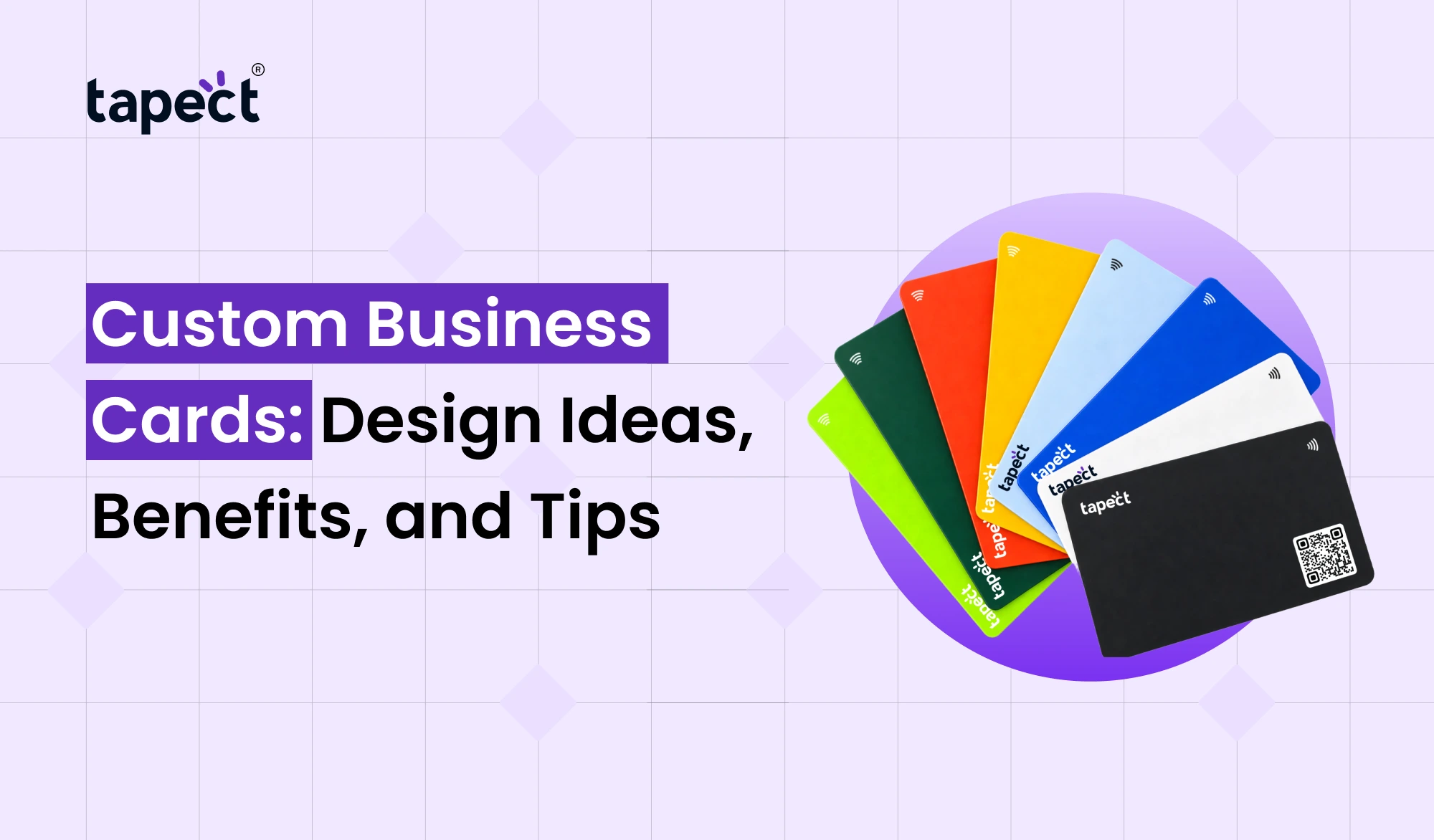
A business card may be small but it can leave a big impression. A well-designed card helps you be remembered when you meet a new client, attend an event or introduce your business to someone. This is why Custom Business Cards are still useful to professionals, business owners, and growing companies.
Today you have more choices than ever before. Choose from various colours, materials, fonts and finishes to match your brand. You can also add a QR code or NFC technology to make it easier for people to link up with you online.
Custom Business Cards to share their contact information in a modern way and create better professional connections. Whether you prefer the old-fashioned printed card or a smart digital option the right design can help you stand out.
In this guide we will talk about creative design ideas, key benefits, and the practical tips on how to make a card that represents your business well.
What Are Custom Business Cards?
Custom Business Cards are business cards designed to match your business name, logo, contact information, and brand style. Instead of a generic template, you get to decide what your card looks like and what it says.
A good card usually includes:
- Your name and job title
- Business name and logo
- Phone number and email address
- Website URL
- Business address, if needed
- QR code linking to your website or contact profile
You are able to change the layout, colours, shape and material according to your needs. A creative agency may want a bold design, while a law firm may prefer a clean layout and simple colours.
We want to make your details easy to read and your brand easy to remember.
Why Are Custom Business Cards Important?
Although we have so many ways to connect online, printed cards are still a part of business. Sharing your contact details is simple at meetings, trade shows, networking events and client visits.
Here are some of the key benefits.
1. Create a Strong First Impression
Your card is often one of the first things you hand to a potential client. A clean layout, legible text and complementary brand colours can help your company appear more professional.
Professional business cards also show you care about the little things. This can help to establish trust when meeting a new customer or business partner.
2. Make Your Brand Easy to Remember
A unique card provides people with something to remember after a meeting. Your logo, colours and design will help customers to identify your business later.
For Custom Business Cards, use the same brand colours and style as on your website and social media profiles. Keeping things consistent makes your business look more put together.
Printed card gives your key contact info to people without having to search online. They may add you to their contacts, send you an email, or visit your website when they need your services.
You can also add a QR code to your contact page, to make it easier for people to get more information.
4. Support Networking and Business Growth
Meeting new people is an integral part of growing a business. A useful card gives future clients a quick way to contact you after the conversation.
Give out your card when it is relevant for better results. Giving out your card to everyone you meet will not be as memorable as having a short conversation about your services.
Creative Design Ideas for Custom Business Cards
The right style depends on your business, audience and budget. These are a few ideas to think about.
1. Minimalist Design
A simple design contains only the most important details. Don’t fill all the corners. Leave some space around your logo and text.
This is a great style for consultants, freelancers, accountants, and corporate professionals.
2. Bold Colors and Brand Graphics
If your business has a creative personality, use colours to make it pop. You can add a small graphic, a coloured background or an eye-catching logo.
Make sure the text is still easy to read. If people can’t find out how to get in touch with you, a good design is pointless.
3. Premium Metal Cards
Metal cards offer a different look and feel than traditional paper cards. They may be right for luxury brands, business leaders and professionals who want a unique networking tool.
Before ordering, compare the price, weight, finish and printing options. See if the material is within your budget.
4. QR Code Business Cards
Include a QR code to link your printed card to your online presence. People can scan it to go to your website, see your portfolio or save your contact information.
Test out the code before printing a huge batch to make sure there’s plenty of room for it when designing Custom Business Cards.
5. Smart Cards With NFC Technology
An NFC card allows someone to tap a compatible smartphone against the card to pull up your digital profile. It can pull up your contact information, website or professional profile depending on how you set it up.
Tapect helps users find smart networking options such as a digital profile plus a physical card.
Printed Business Cards vs Digital Options
Though traditional cards can be handy, electronic devices can make sharing your contact details even simpler.
A digital business card is a profile online with your contact info and helpful links. You can share it via QR code, message, email or compatible NFC card.
A digital card may include information such as:
- Name and job title
- Phone number and email
- Website and social media links
- Portfolio or booking page
- Contact-saving options
NFC business cards are convenient to share because users can simply tap their card against a compatible phone to open the linked profile. You can also update your digital card online, so you don’t need to print new cards every time your contact details change.
You can also have a physical NFC card as well as printed cards, giving you more than one way to share your details. The tap can be affected by phone settings and NFC compatibility so it’s a good idea to test your setup before an event.
For many businesses, a printed card combined with digital sharing is a pragmatic compromise.
Tips for Designing Effective Custom Business Cards
Consider these points before you send your design to the printer.
Keep the Information Clear
Add the details people need most. Too much copy makes your card look busy and hard to read.
Choose Readable Fonts
Use plain typefaces and a suitable size of text. Your name and business name should be easily recognisable at a glance.
Use High-Quality Materials
Select the paper thickness, coating and finish according to your card’s intended use. If you are unsure about the final result, request a sample.
Check Every Detail
Check your phone number, email address, website, spelling and logo before you approve the design. One little mistake and you might find it hard for customers to contact you.
Test Your QR Code or NFC Link
If your card has digital capabilities, make sure the link works on different phones. Make sure the destination page is mobile friendly.
A few simple checks can ensure that your Custom Business Cards look great and perform as they should.
Common Mistakes to Avoid
A couple of design mistakes can cheapen your card. Beware of the following:
- Using too many colors or fonts
- Adding unnecessary information
- Choosing text that is too small
- Using low-quality images or logos
- Printing a QR code without testing it
- Forgetting to check the website link
- Selecting a design that does not match your brand
Just remember that your card should make it easy for people to see who you are and how to get in touch with you.
How Tapect Can Help With Modern Networking
Tapect is a digital business card solution to share all your professional information in a convenient way.
To take your networking to the next level, consider adding digital features to your contact-sharing process.
A proper digital profile allows you to:
- Share contact details with a QR code.
- Let people open your profile through an NFC-enabled card.
- Add links to your website and social media accounts.
- Make it easier for potential clients to find your business online.
- Update digital information without redesigning the entire printed card.
The right choice will depend on your industry, your audience and how often you are meeting new contacts. Start with a simple printed card and add digital features as your business requires.
Frequently Asked Questions
1. What do I put on a business card?
Include your name, job title, business name, phone number, email address and website. You can also add a QR code to give access to more information online.
2. Are personalised business cards worth it?
Yeah. A well designed card can help you to showcase your brand, share your contact information and make networking easier. It all depends on your design, the quality of the print and how well you utilise it.
3. Can I get a QR code on my business card?
Yes. Add a QR code to your website, contact information, portfolio or digital profile. Test the code before printing your cards always.
4. How does a digital business card differ from an NFC card?
A digital business card is an online profile where you can include your contact details and links. NFC card: A tangible card that uses near-field communication technology to trigger a linked profile on a compatible device.
5. How to make my business card stand out?
Plain text, brand colours in good quality, good logo and clean layout You can also consider premium materials or digital features if they fit your audience.
6. How can I edit the info on my digital business card?
Yes, if you can edit your profile on your digital business card platform. You can update your details online and you don’t have to get a new physical card, though what features you get will depend on the provider.
Conclusion
A good-looking card will help people remember your business, understand what you do, and reach out to you after a meeting. The best way to do this is to keep the design simple, use clear information and select materials that match your brand.
Custom Business Cards are more than just a way to share contact information. Make networking easier by linking your printed card to your online profile and adding a QR code or NFC-enabled option.
If you’re a freelancer, a small business owner, or a growing company, choose a design that fits your goals and makes it easy for people to connect with you.
Looking to make networking easier?
Explore Tapect’s digital business card solutions and learn how QR codes and NFC technology can help you share your professional details with confidence.