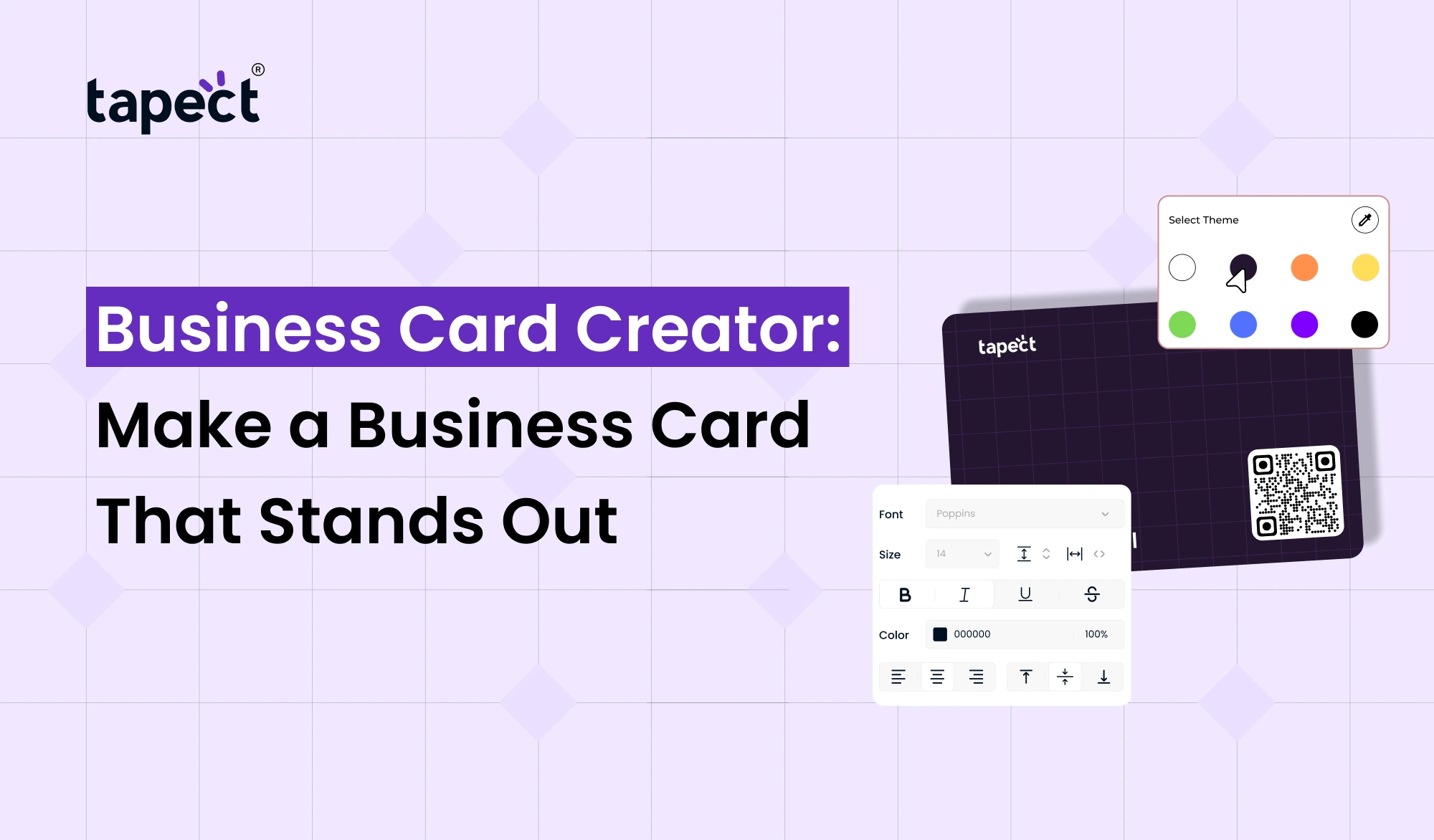
A business card is something that people usually remember first when they meet you. Good cards can remind people of your name, your business and how to get in touch with you later. If you are not a designer, designing a professional looking card from scratch can be difficult.
That’s where Business Card Creator steps in. No need to start from scratch. Choose a design, add your details, add your logo and create a card that matches your brand.
With tools like Tapect you can also go beyond the traditional printed card and make it easier for people to connect with you online.
What Is a Business Card Creator?
Business Card Creator is an online tool that enables you to create a business card without any special design skills. You usually select a template, input your details, pick colours, add a logo and make your final design.
A business card maker operates in a similar way. The main goal is to make it easier for business owners, employees, freelancers and professionals to create cards.
No need to spend hours learning complicated design software. Most of the work involves basic editing tools.
Why Use a Business Card Creator?
Designing traditional business cards can be a time consuming process. You may have to work with a designer or learn to use design software before you can design a professional looking card.
A Business Card Creator makes it easier.
Here are some of the reasons why people use these tools:
- Make a card without fancy design skills
- Save time when creating a new card
- Include your logo and brand colours.
- Quickly update contact information
- Different cards for different employees
- Create a digital version of your card
- Post contact details online
This can be a straightforward way for small businesses and startups to create professional cards without making things complicated.
What Should You Add to Your Business Card?
A good business card should provide the information that people need, without looking crowded.
You may wish to add:
- Full name
- Job title
- Company name
- Phone number
- Email address
- Website
- Business address, if needed
- Social media links
- Company logo
- QR code
Keep your goal simple: someone should be able to look at your card and know who you are and how to reach you.
How to Make a Business Card That Stands Out
A Business Card Creator doesn’t force you to add all the design elements it offers. A clean design will often work best.
1. Start With a Clear Layout
Make key information easy to find. Your name and company should be easily found without having to hunt for it on the card.
2. Choose Simple Colors
Use colours that fit your brand. Two or three primary colours are good enough.
3. Use Easy-to-Read Fonts
Fancy fonts look nice but can make it difficult to read your contact details. **Important Information** Use plain fonts.
4. Add Your Logo
Your logo is what makes your business memorable. Business Card Maker with Logo Easier to put your logo in the design with a business card maker with logo.
5. Leave Some Empty Space
Do not complete all sections of the card. White space can help make your information more readable and give your design a cleaner look.
Business Card Maker vs. Traditional Design
The design process is normally linear, with a number of steps. You might have to explain your idea to a designer, see different versions, ask for changes and wait for the final file.
A business card maker can make this shorter.
Typically you will:
- Select a template.
- Add your details.
- Upload your logo.
- Change colors and fonts.
- Review the design.
- Save or share your card.
This can be very useful if you create or update cards regularly.
Create a Digital Business Card With Tapect
Printed cards are handy, but people also want fast digital access to contact information. Tapect connects the physical networking experience to business and professional digital profiles.
And instead of handing someone a printed card, you can give them a digital way to share your details.
Tapect lets you highlight information like:
- Contact details
- Social media profiles
- Website links
- Portfolio links
- Business information
- Other useful online profiles
It gives people more ways to connect with you after the meeting.
Business Card Maker & Creator for Modern Networking
A Business Card Creator can be helpful when you want more control over your card design. Instead of a generic card, you can design a style that suits your profession.
For example, a real estate agent may want property links and social profiles, a freelancer may want to show a portfolio etc.
Your card should reflect how you actually network.
Tapect also gives you the opportunity to connect your business card experience to a digital profile to make it easier for people to learn more about you.
Use a Business Card Generator With Logo
Your logo is one of the most recognisable things about your brand. Adding it to your card can help make your website, social profiles and marketing materials look consistent.
A business card generator with logo can make this easier by allowing you to upload your logo and place it right into the design.
When you add a logo:
- Keep it clear and readable
- Do not make it too large
- Use a high-quality logo file
- Keep enough space around it
- Match the card colors with your brand
You don’t need a complicated design for a business card. It needs a design that clearly represents your business.
Add a QR Code to Your Business Card
Turning a printed card into a handy digital link, a QR code.
Someone can scan the code and open your website, contact, profile, portfolio, social media page or digital business card.
This is particularly useful when:
- Business meetings
- Conferences
- Trade shows
- Networking events
- Client meetings
- Local business events
If you’re using a Business Card Creator, verify that the design allows enough room for a QR code without making the card look crowded.
How Tapect Can Make Networking Easier
Tapect is a modern business networking service that allows you to share contacts digitally. You no longer need to rely on printed information, you can give people a quick way to get to your online profile.
The Tapect card can be a useful tool for professionals who regularly meet new clients, customers or business contacts.
You may use this to:
- Share contact information
- Social profile connections
- Muestra tu página web
- Send me your portfolio
- Simpler Networking
- Cut down on repetitive manual typing
This makes your business card more valuable beyond the initial meeting.
Common Mistakes to Avoid
Even using a Business Card Creator, mistakes, no matter how simple, can ruin a card’s effectiveness.
Too Much Information
Don’t go into all the details about your business. Most of this information will be needed by most people.
Hard-to-Read Text
Small print can get your card ignored. Make sure important details are easy to read.
Poor Logo Quality
A fuzzy logo can make the whole card look less professional.
No Clear Contact Option
Let people know how to reach you. Add a phone number, email, website, QR code or digital profile.
Outdated Information
If your phone number, website or job title changes, update your card.
Who Can Use a Business Card Creator?
Many types of professionals could benefit from a Business Card Creator.
Business Owners
Create matching cards with your company branding.
Self employed contractors
Show your skills, portfolio and contact info.
Sales Professionals
Share contact information soon after client meetings.
Real Estate Agents
Link customers to property listings and social profiles.
Consultants
Share services and contact information on a business card.
Students and Job Seekers
Create a simple card showcasing your skills, portfolio, and contact information.
FAQs
What is the simplest way to make a business card?
One easy way is to use a Business Card Creator. Select a design, add your information, add a logo and customise the card.
Can I make a business card without any design skills?
Yes. A typical business card maker offers templates and easy editing options, so you don’t need to have advanced design experience.
Can I put my logo on a business card?
Yes. Business Card Generator with Logo You can insert your company logo or your personal logo to the card design.
What is a business card maker & creator?
What is a business card maker & creator? A business card maker & creator is a standard tool that enables you to create and customise a business card with the help of templates, text, logos, colours, and other elements.
Should I put a QR code on my business card?
If you want people to open your website, contact details, portfolio or digital business card quickly, a QR code can be helpful.
Can one use Tapect for digital networking?
Yes. Tapect is designed to help professionals share digital contact information and online profiles while networking.
Conclusion
No need for a fancy business card to create a good first impression. Good information, clean design, useful links and easy contact options can add value to your card.
A Business Card Creator makes the design process easier, while tools like Tapect can help take networking beyond the printed card.
Whether you’re a business owner, freelancer, sales professional or job seeker, consider what you want people to do once they get your card. Allow them to easily contact you, access your website or connect with your digital profile.
Ready to Create a Better Business Card?
Easily network with Tapect. Build a professional digital profile, list your contact information and make it easy for each new contact to stay connected.
Start building your Tapect digital business card and make your next business connection count.