Customer reviews are a huge contributor to business growth. Most people check Google reviews before they buy a product or choose a service. More positive reviews often means more trust, more clicks, more customers for a business.
That’s where a Digital review card comes in. Makes writing a review quick and easy. Tap or scan the card and write your review instead of asking your customers to look for your business online.
In this guide, you’ll learn what a Google Review Card is, how it works, its benefits and why businesses are using it to grow their online reputation.
What is a Google Review Card?
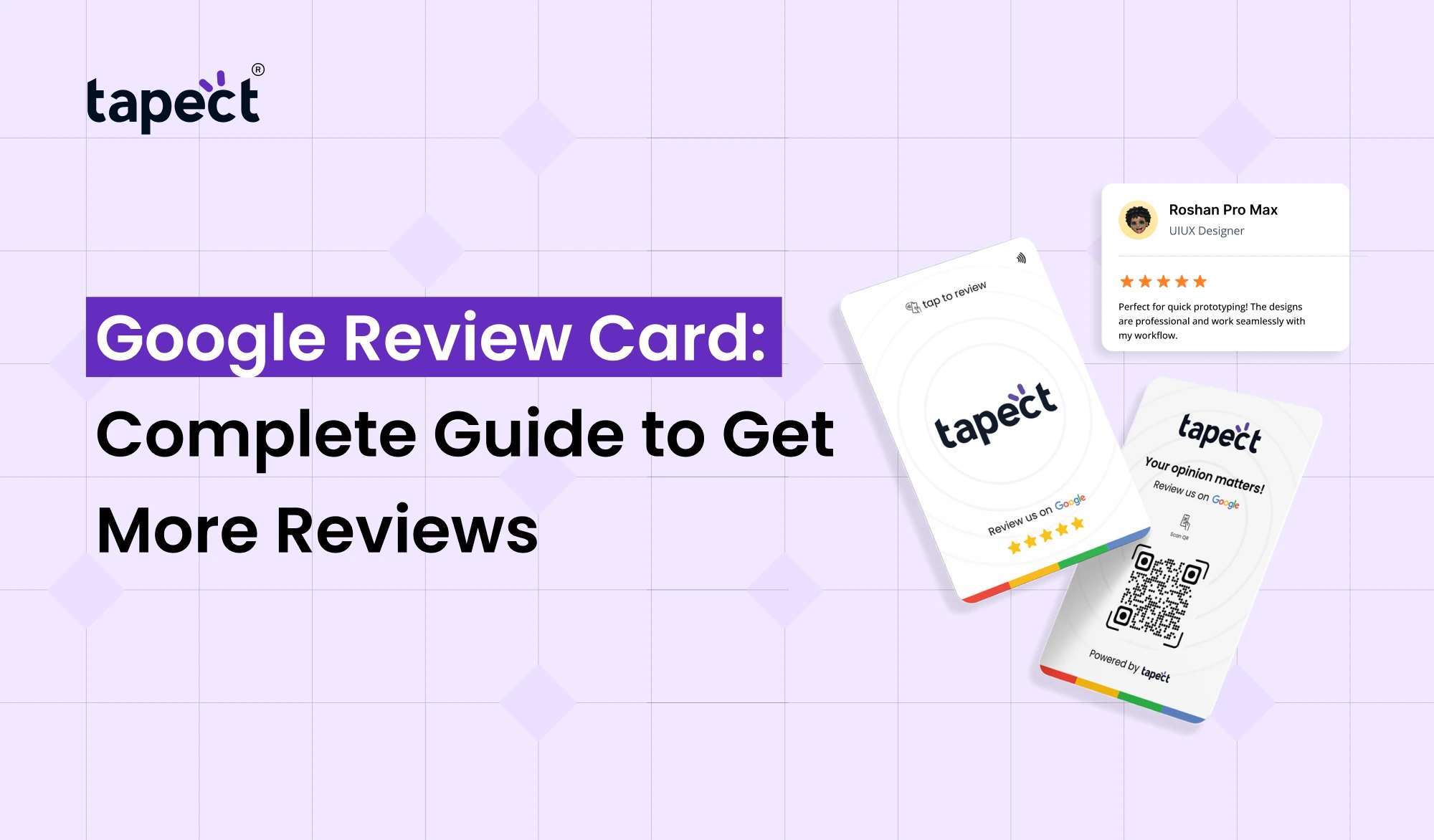
A Google Review Card is a smart card that takes customers straight to your Google review page. The card is normally used with NFC technology or a QR code. Customers simply tap the card with their phone or scan the QR code to leave a review.
This cuts out the extra steps and speeds up the review process.
Many businesses display a Google Review Card at billing counters, reception desks, restaurants, salons, clinics, retail stores and service centres to receive more authentic customer reviews.
Why Google Reviews Matter for Every Business
Google reviews are more than ratings. They help customers determine whether they can trust your business.
Here are some reasons reviews are important.
Build Customer Trust
People believe in real customers’ experience. A business that has lots of good reviews looks more trustworthy.
Improve Local Search Rankings
Google tends to rank businesses with good reviews higher in local search results. More reviews can help your business get more visibility.
Increase Customer Conversions
When customers see positive feedback, they have more confidence to choose your business.
A Google Review Card makes it easier to collect these valuable reviews.
How Does a Google Review Card Work?
Using a Digital review card is really easy.
Step 1: Tap or Scan Customer
The customer taps their phone on the Google review NFC card or scans the QR code on the card.
Step 2: Google Review Page Opens
The card opens your Google review page immediately.
Step 3: Customer Reviews the Product
The customer selects a rating, types in their feedback and clicks submit.
The whole process takes less than a minute.
Types of Google Review Cards
Companies can choose from a variety of types to meet their needs.
Google Review NFC Card
Google review NFC card is based on Near Field Communication technology. Customers tap the card to an NFC-enabled smartphone.
It has the fastest experience.
QR Code Review Card
Some businesses like a qr code. The customers scan the code with their phone camera.
Smart Google Review Card
The Smart Digital review card has both NFC and QR code in one card. Depending on the phone they have, customers can either tap or scan.
This provides the best compatibility.
Benefits of Using a Google Review Card
There are many reasons why businesses are opting for a Google Review Card.
Reviews made easy
Customers don’t have to search for your business.
Saves Time
The review page comes up in a jiffy.
More Reviews
The more we make it the easier, the more customers will give feedback.
Enhances Customer Experience
Customers have a smooth and simple experience.
Develops Online Reputation
More positive reviews improve the image of your business on the web.
Google Review Card is great for businesses of any size.
Who Should Use a Google Review Card?
Benefits virtually any business.
It’s good for:
- Restaurants
- Cafes
- Hotels
- Clinics
- Hospitals
- Salons
- Gyms
- Car Showrooms
- Retail Stores
- Real Estate Agents
- Freelancers
- Consultants
- Educational Institutes
If customer reviews are important to your business, a Google Review Card is a great investment.
Google Review NFC Card vs QR Code Review Card
Both options help customers leave reviews in a hurry.
Google Review NFC Card
- Experience quicker
- Review in one tap
- Modern look
- Better Customer Engagement
QR Code Review Card
- Works with just about any smartphone
- Easy to print
- economical
- Does not support NFC
Many businesses are now choosing smart google review card with NFC & QR code.
Why Tapect Google Review Card is Different
When you opt for a solution for reviews, quality matters.
Tapect provides smart review solutions that are easy to use and built for today’s businesses.
What a business gets with a Google Review Card from Tapect:
- Premium quality NFC technology
- QR code support
- Quick setup
- Fast customer interaction
- Professional design
- Durable material
- Easy review collection
Tapect makes it easier to receive customer feedback, whether you’re a small business or a large company.
Google Review Card vs Traditional Review Requests
The traditional way to ask for reviews is to ask customers verbally or send them review links later.
Many customers forget.
A Google Review Card is more effective because customers leave reviews when their experience is still fresh.
Old Fashioned Approach
- Research by hand
- More steps.
- Lower rate of response
Google Review Card
- One tap
- Review page instant
- Improved customer experience
- More chances for review
Best Places to Keep Your Google Review Card
Location is an important part.
Position your Digital review card where customers will naturally stop.
Some of the popular locations are:
- Billing counter
- Reception desk
- Checkout table
- Waiting area
- Service desk
- Hotel front desk
- Restaurant payment counter
The card can also be handed directly to customers when the service is finished.
Tips to Get More Reviews
Using a Google Review Card is only one piece of the puzzle.
Utilise these tips to enhance results.
Ask at the Right Time
Ask for reviews immediately after delivering a good experience.
Train Your Staff
Your team should politely request customers to tap or scan the card.
Keep the Card Visible
Place it where customers can see it easily.
Provide Great Service
Happy customers will in turn leave better reviews.
Keep the Process Easy
Don’t make your customers jump through hoops.
Google Review Card and Digital Business Cards
Many businesses are now pairing a digital business card with a Google Review Card.
Digital business cards include contact details, website links, social media profiles, and information about the business.
Meanwhile, the Digital review card allows customers to leave a review immediately.
Together they provide a better customer experience and a better online presence.
Google Review Card and NFC Business Card
They both use NFC technology but for different reasons.
An nfc business card is meant for networking. It shares your contact info with a simple tap.
The purpose of a Google Review Card is to collect customer reviews.
Many businesses combine the two.
As an example:
- An employee gives out a nfc business card at a meeting.
- The business has a Google Review Card at the checkout counter for customer feedback.
The mix is conducive to networking and reputation building.
Common Mistakes to Avoid
Avoid These Mistakes with Your Google Review Card.
Concealing the Card
If the customer can’t see it, he won’t use it.
Question Every Customer
Get reviews from customers who have actually used your service.
Forgetting to Try the Card
Always test NFC and QR code before using.
No response to reviews
Reply to customer reviews where possible. It shows that you value feedback for your business.
Future of Google Review Cards
More and more businesses are moving towards contactless technology.
Google Review Card, Google review NFC card and Smart Digital review card solutions are in increasing demand every year.
Now, customers expect fast and simple interactions Thanks to NFC technology, this is possible.
Using these smart tools today will give businesses an edge when it comes to building stronger customer relations.
Frequently Asked Questions
1.What is a Digital review card?
Google Review Card is a smart card that lets customers open your Google review page by tapping on an NFC chip or scanning a QR code.
2. Do all phones work with the Google review NFC card?
Most new Android phones include NFC. iPhones also work with NFC to read these cards. If NFC is not available, the QR code is available for customers.
3. Is a Smart Google review card superior to a QR Code?
Yes. The smart Google review card has both NFC and QR code, offering customers two easy ways to leave reviews.
4. Does the small business get a Google Review Card?
Yes. Google Review Card is available for restaurants, salons, shops, clinics, freelancers and service businesses.
5. Can I use a Google Review Card with a digital business card?
Yes. Many companies use a digital business card and a Google Review Card together to reach out to customers and build credibility.
Conclusion
The Google Review Card is one of the easiest tools to build your online reputation. It gets rid of the unnecessary steps and makes it quick and convenient to leave a review. As more businesses transition to contactless customer experiences, smart review solutions continue to grow in value.
When you select a Google review NFC card, a Smart Google review card or combine it with a nfc business card and digital business card, you make it easy for customers to connect with your business.
Tapect gives you a professional review experience that gets more authentic feedback, builds customer trust and helps your business grow with positive Google reviews.
Call to Action
Want to get more Google reviews without customers having to search for your business?
Choose Tapect’s Google Review Card to make it easy for your customers to leave their feedback. Our smart cards have NFC and QR technology to keep the review process quick, easy and contactless. Whether you own a café, salon, clinic, retail store, hotel or any service business, Tapect helps you build trust, boost your online reputation and attract more customers.
Start converting every happy customer into a valuable Google review today with a Google Review Card from Tapect.