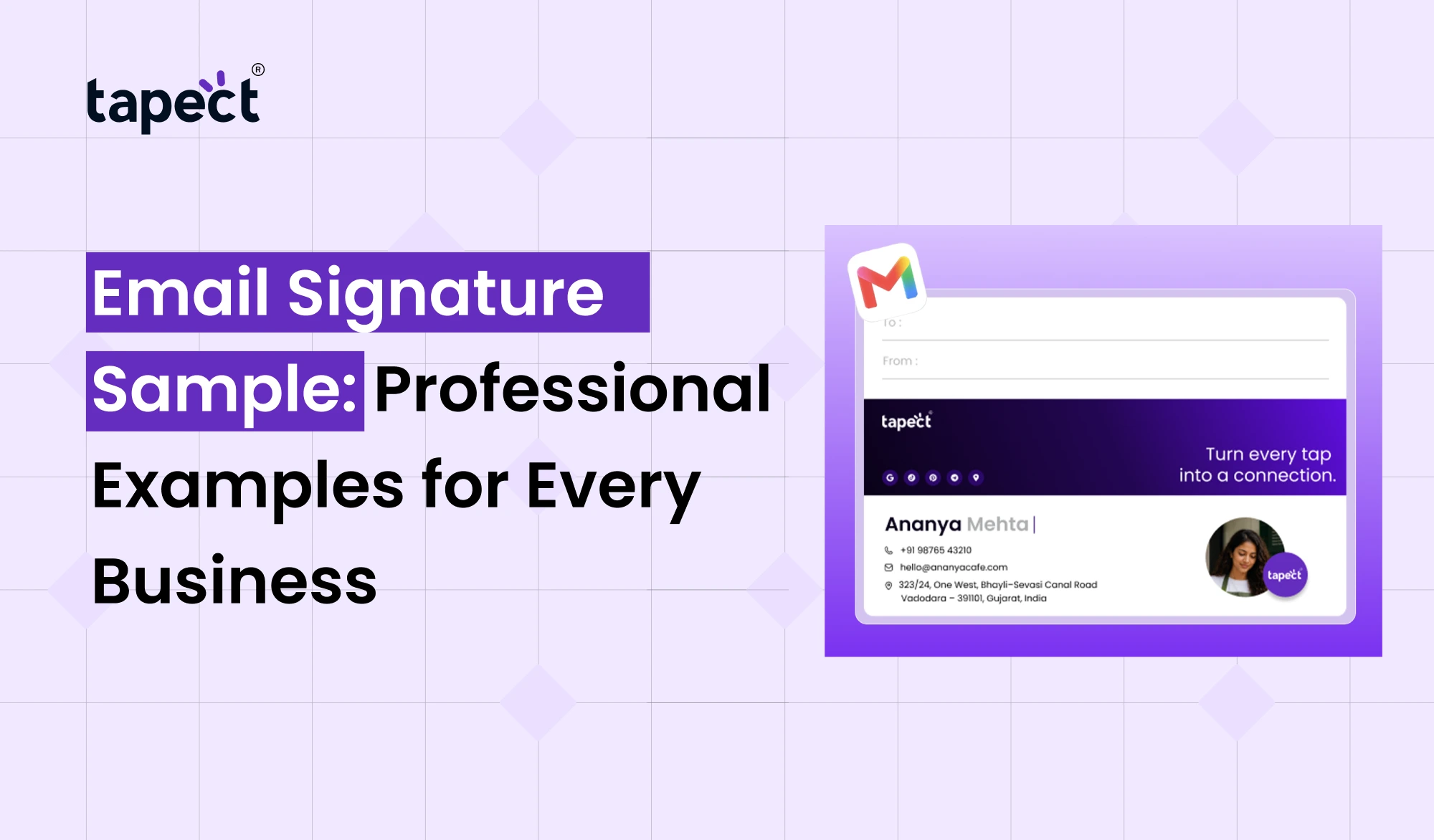
Email is a lot more than a messaging system. It’s a chance to get people to know you and what your business does. A good email signature makes you look professional and allows people to contact you easily.
If you are looking for Email Signature Sample, you have come to the right place. Whether you’re in marketing, sales, IT, customer service or run your own business, the right signature can make your emails more useful.
In this guide, you’ll discover simple examples for various jobs, tips for crafting a clean design, and steps to build a signature that matches your brand. You’ll also discover how Tapect can link your email signature to a digital business card.
What Is an Email Signature?
An email signature is a piece of information that sits at the bottom of an email. Typically, it includes your name, job title, company name and contact information.
A professional signature lets people know who the message is from and how they can contact them. It can also share your website, social media or booking link.
Sample Email Signature may be helpful including:
- Full name
- Job title and company name
- Phone number and email address
- Company website
- Professional social media profile
- Company logo, if needed
- A short call to action
No need to include all the details. Select the information that will be useful to the person who receives your email.
Why Does a Professional Email Signature Matter?
Think about how many emails you send per day. Every message is another opportunity to make a good impression.
Here are a few reasons for having a professional e-mail signature:
1. Builds Trust
Including your real name, role and company details in your signature helps people recognise you. It can make your business communication more dependable.
2. Makes Contact Easy
People don’t have to go look for your phone number or website. Their details are at the bottom of your message.
3. Promotes Your Business
Add your website, latest service or a link to book a meeting. This allows readers to learn more about your business without having to add extra text to every email.
4. Keeps Your Brand Consistent
Having all your employees use the same email signature format makes your business look more organised. It also delivers a consistent experience for customers and partners.
5 Email Signature Samples for Different Businesses
Your best signature depends on your job, audience, and purpose. Below are seven real-world instances to get you started.
1. Email Signature Sample for Corporate Professionals
The corporate signature must be clear, simple and professional.
Example:
Example:
- Name: Priya Shah
Job Title: Business Development Manager
Company: wbotz
Phone: +91 98765 43210
Website: www.example.com
This is a format that works for managers, office workers, consultants, and other professionals. Keep information short and to the point so readers can easily find the information they need.
2. Email Signature Sample for Small Business Owners
With signatures, small business owners can offer contact details and introduce their services.
Sample:
- Name: Rahul Patel
Job Title: Founder
Company: tapect business card
Phone: +91 98765 43210
Website: www.example.com
Call to Action: Explore Our Services
This Email Signature Sample provides customers with a direct contact to the owner and business.
3. Email Signature Sample for Sales Teams
Sales people need signatures that get people to take the next step.
How did you get here?
Example:
- Name: Neha Mehta
Job Title: Sales Executive
Company: Byteweb it private ltd
Phone: +91 98765 43210
Website: www.example.com
Call to Action: Book a Free Consultation
A strong call to action can entice interested readers to visit your website or book a meeting. Make it conversational and don’t go overboard with all the promotional links.
4. Email Signature Sample for Digital Marketing Professionals
Marketers can use their signature to share their role, website, and professional profile.
For example:
- Name: Amit Desai
Job Title: Digital Marketing Executive
Company: Tapect
Website: www.tapect.in
LinkedIn: Your LinkedIn Profile
Call to Action: Explore Digital Business Cards
This Email Signature Sample is for digital marketers, SEO specialists, social media managers and content writers. It provides a simple way for readers to learn more about what you do.
5. Email Signature Sample for Freelancers
Freelancer usually has several clients so their signature should tell what they do.
Example:
- Name: Riya Shah
Job Title: Freelance Graphic Designer
Services: Branding and Graphic Design
Portfolio: www.example.com
Email: [email protected]
Call to Action: View My Portfolio
You can replace the link to the portfolio with your website, project gallery or appointment page. A short signature makes it easy for potential clients to find your work without reading a long introduction.
How to Create a Professional Email Signature
Creating a signature is a matter of minutes. Here’s how to make one that’s right for you.
Step 1: Choose the Right Details
Your Name Your Job Title Your Company Main Contact Details Add links that will be meaningful to your audience.
Step 2: Select a Clean Email Signature Layout
Select an email signature style that works well on desktop computers and mobile phones.
Here are some tips:
- Use one or two readable fonts.
- Keep colors consistent with your brand.
- Avoid large blocks of text.
- Use short links where possible.
- Make sure your phone number and website are correct.
Make sure your phone number and website are accurate.
Step 3: Use a Signature Maker
Signature maker helps you to create professional design without coding. Some tools provide prebuilt layouts, social media links, and colour customisation options.
You can also look into a signature generator to create a format that fits your company style.
For instance, a simple business signature can be created using the HubSpot email signature generator. Look at the features available before selecting a tool.
Step 4: Add Your Signature to Your Email Account
When you’ve created your signature, paste it into your email settings. There are options in both Gmail and Outlook for you to add automatic signatures.
Send yourself a test email first, before using it for business communication.
Step 5: Check It on Different Devices
Open your test email on mobile phone and computer. Make sure that the text is readable and the links work correctly.
A good Email Signature Sample should still be effective when viewed on a small screen.
Email Signature Best Practices for Every Business
Here are a few simple rules to make your signature look professional:
- Keep it short and easy to scan.
- Use accurate contact information.
- Add a company website or one useful link.
- Avoid too many colors and decorative elements.
- Make sure links work on mobile devices.
- Update your details when your role or contact information changes.
- Use the same basic style across your team.
Your signature should reinforce your message, not weaken it.
How Tapect Can Connect Email Signatures With Digital Business Cards
An email signature is more than just a place to put your contact information. It can also help people find your professional profile.
With Tapect you can link your email communication to a digital business card. This gives people another avenue to research your contact information and work history.
- Share your contact details through a single link.
- Give clients quick access to your professional profile.
- Connect your email signature with your networking efforts.
- Make it easier for people to save your information.
- Share your profile alongside an NFC business card during in-person meetings.
Have your profile and NFC business card ready for face-to-face meetings.
For example, you could include a link to your Tapect profile at the bottom of your email. Your recipient can click on the link to view your details and save your contact information.
Check out digital business card solutions for your professional networking needs at Tapect.
FAQs
1. What is a professional email signature?
Usually, it should have your name, job title, company name, phone number and website. You can add a link to your professional profile or a short call to action, when useful.
2. Is it free to create an email signature?
Yes. There are a few tools that provide free options to create signatures. A signature generator can help you to make a simple design without the need of hiring a designer.
3. Most effective email signature layout?
A simple layout with your name, role, company and contact details is often the best choice. Make sure the design is legible on mobile and desktop devices.
4. Can I use the same signature for all of my emails?
Yes, but make sure it fits your work. You can have a standard signature for weekly emails and a slightly different one for sales messaging or job applications.
5. Is it good to have a digital business card in an email signature?
Yeah. A digital business card is a link that shows your professional profile to the recipients. It can help make it easier to share your contact information and support your networking efforts.
6. What is the HubSpot email signature generator?
It is a tool that enables users to create email signatures from ready-made formats. Find out its current features and terms to see if it’s right for you.
7. When should I change my email signature?
Change it when your job title, phone number, company or website has changed. It is also good practice to check your links now and again.
Conclusion
A professional email signature is a little thing that can make your business communication more effective. It helps people find you, find your contact information and learn more about your services.
Use the Email Signature Sample that matches your position, keep it neat, and check every link before sending emails to clients or colleagues. Start with a simple format and improve it as your needs change.
Want to make networking easier?
Make it easy for people to find and save your contact details with Tapect’s digital business card solutions at Tapect.