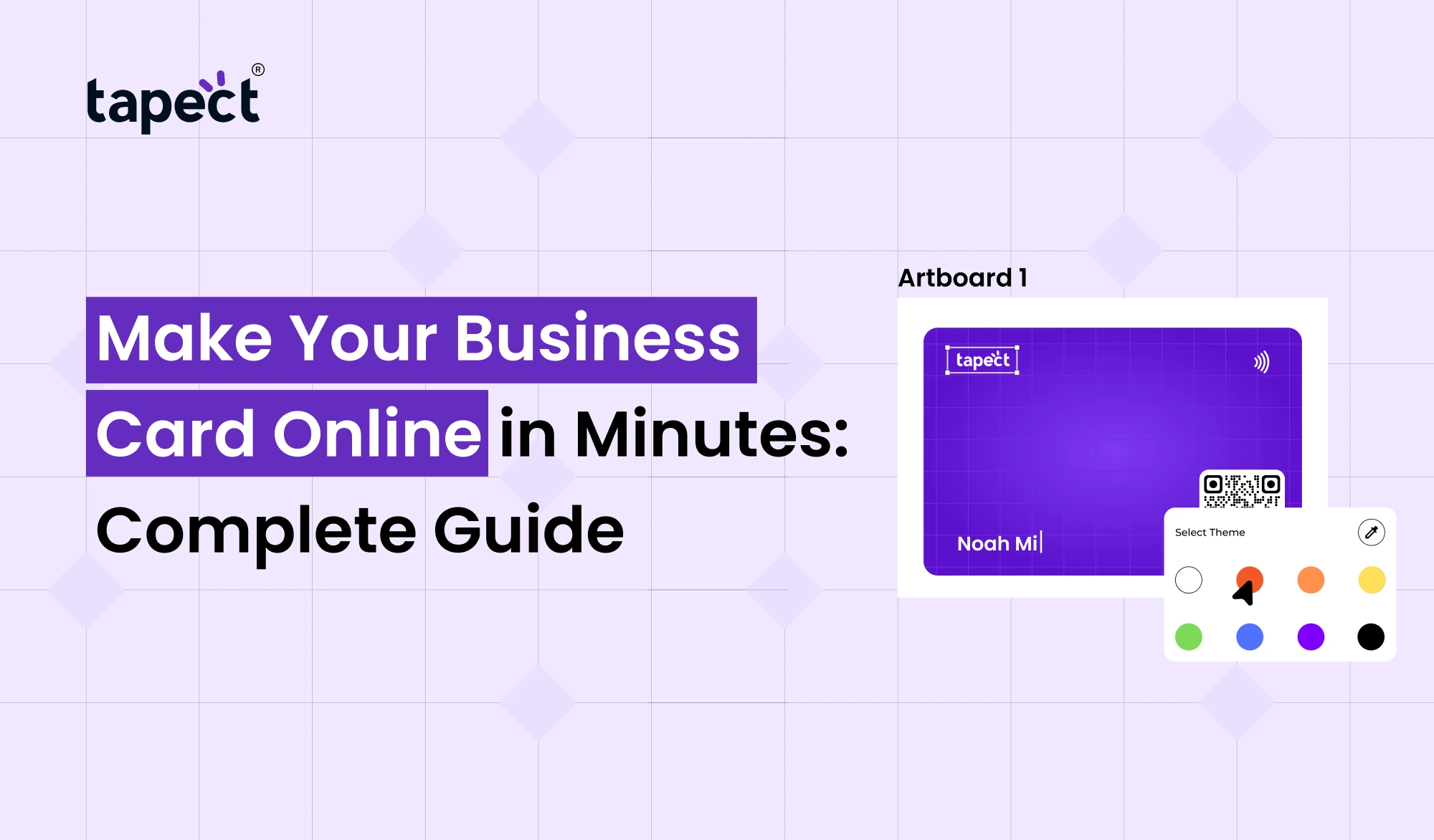
Business is all about first impressions. When you meet a client, go to a networking event or connect with someone online, most of the time your business card is the first thing people remember. The good news is, you don’t need a designer or a print shop to get a professional card. Today you can Make Your Business Card Online in a few minutes.
This guide will walk you through the whole process, from choosing a design to sharing your card digitally. So whether you’re a freelancer, startup owner, sales professional or small business owner, this article is going to help you make a card that looks modern and brings real business opportunities.
Why Online Business Cards Are Becoming Popular
Paper cards are good but they have limitations. People lose them, forget about them or just never put the contact details into their phones. Make Your Business Card Online Your information is easy to share, save and update.
A modern digital business card can hold your phone number, email, website, links to your social media, portfolio and even a QR code. Many professionals prefer a virtual business card because it is functional both offline and online.
What Is an Online Business Card?
An online business card is a digital version of the traditional card you carry. Available to view on a smartphone, tablet or computer: You make your business card online by creating a profile that people can access by clicking a link, scanning a QR code, or tapping with NFC.
A digital visiting card is particularly useful at networking events, exhibitions, conferences and client meetings. Share your details instantly. No more passing around paper cards.
Benefits of Making Your Business Card Online
Instant Sharing
You can share your card through WhatsApp, email, SMS, LinkedIn or QR Code. This speeds up networking considerably.
Simple Updates
You can change your card without reprinting anything if you change your phone number, job title or website.
Improved Lead Capture
Make Your Business Card Online & add Buttons for Calls, WhatsApp Chat, Bookings and Contact Forms This aids in turning connections into leads.
Business Appearance
A smart business card, if designed well, gives a modern tech-friendly impression.
Environmentally Friendly Option
You can save paper and printing costs by using digital cards.
What Information Should You Include?
Before You Make Your Business Card Online, collect the details you want to include.
Essential Details
- Full name
- Job title
- Company name
- Phone number
- Email address
- Website
Optional Details
- WhatsApp number
- LinkedIn profile
- Instagram or Facebook page
- Office address
- Portfolio or product links
- Google review link
Make the facts short and simple to understand. Too much writing can make the card look cluttered.
How to Create Business Card Online Step by Step
Step 1: Select a trusted platform
Choose a platform that allows you to make business cards online with custom templates and simple sharing options.
Step 2. Choose a Template
Select a design that fits your industry. A lawyer might prefer a clean and formal layout, whereas a creative professional might want a bold design.
Step 3: Build your brand
Upload your logo Select brand colours Choose readable fonts. Branding consistency helps people remember your business.
Step 4: Fill in your contact details
Earlier, I collected the information. Verify the phone numbers and the spellings before you publish.
Step 5: Add Interactive Elements
This is where a digital business card is more powerful than a paper card. ADD CLICKY BUTTONS FOR:
- Call
- Website
- Social media
- Directions
Step 6: Publish and Share
When your card is ready, publish it and share the link or QR code.
Why Tapect Is a Smart Choice
If you need a professional and user-friendly solution, Tapect lets you make your business card online without any technical skills. The platform is built for modern networking and is great for individuals, teams and businesses.
Tapect offers you the chance to create an online business card personalised to your brand, which you can instantly share via QR codes or NFC technology.
Understanding NFC Business Cards
A small chip in an NFC business card allows you to share your profile with just a tap on a smart phone. It’s one of the quickest ways to share contact details.
NFC combined with a digital visiting card creates a seamless networking experience. People tap the card to view your profile and save your contact within seconds.
A lot of professionals will have both an NFC business card and QR code, so that all smartphone users can easily share.
Design Tips for a Professional Card
The Simplest Way
A clean layout looks more professional than a crowded one.
Apply High Contrast
It is easier to read light text on a dark background.
You cannot use font styles.
Keep things looking professional by using one or two fonts.
Emphasise Your Main Action
Make the phone button big if you want people to call you. If you want leads, make the contact form stand out.
Include a QR Code
Your smart business card, easy to access with a QR code during meetings and events.
Common Mistakes to Avoid
Keep to your brand colours and don’t go in for a rainbow look.
Adding All Social Platforms
Stick to only those platforms you are actively using for business.
Ignoring Mobile Optimisation:
Test on different screen sizes, as most people will be viewing your card on a phone.
No Testing Links
Always check your website, WhatsApp and social links are working correctly.
How a Virtual Business Card Helps You Get More Leads
A virtual business card is more than just a contact card, it can be a lead generation tool.
Add a Contact Form
Let visitors leave their name, phone number and query directly on the card.
Include a Booking Link
Service companies can include a link to a calendar for consultation or meetings.
Showcase Your Stuff
Build trust by adding portfolio images, case studies, or customer testimonials.
Leverage Analytics
Some platforms offer insights, like how many people viewed or clicked on your card, so you can gauge networking success.
When you Make Your Business Card Online with these features, you are better positioned to turn every interaction into a customer.
Best Use Cases for Digital Business Cards
Digital Visiting card is beneficial for:
- Real estate agents
- Insurance advisors
- Consultants
- Doctors
- Architects
- Freelancers
- Startup founders
- Sales teams
- Event exhibitors
These professionals meet a lot of people and need a quick way to share details.
How to Share Your Card Effectively
After you create your business card online, use these channels:
- WhatsApp status
- Email signature
- LinkedIn profile
- Instagram bio
- QR code on brochures
- Presentation slides
- Product packaging
- Event badges
The more places your card is seen the more opportunities you create
The Future of Smart Business Cards
The future will be all about contactless networking. Smart business cards is an all-in-one solution that combines QR technology, NFC sharing, analytics, and digital profiles.
Businesses are embracing these tools because they save time, reduce printing costs and enhance lead tracking. As mobile usage grows, digital cards will be a normal part of professional networking.
Frequently Asked Questions
How long does it take to make your business card on-line?
You can make your business card online in 5-15 minutes on most platforms, provided you have your logo and contact information ready.
Can you make a business card online for free?
Yes, many platforms have free plans with basic features. Premium plans usually give you custom branding, analytics and advanced sharing options.
Will a digital business card beat a paper one?
Digital business card is better for sharing, updating and tracking engagement. A lot of professionals use a combination of digital and paper cards.
What is the difference between a digital visiting card and a virtual business card?
They are both digital contact solutions. The virtual business card is typically shared via a link whereas the digital visiting card may have sharing features through QR and NFC.
Are NFC business cards compatible with all phones?
The majority of the latest Android phones and iPhones have NFC business cards.
Ready to Make Your Business Card Online?
No more lugging around those old paper cards that get lost in wallets and drawers. Share your details instantly with QR codes, links and NFC technology. Make Your Business Card Online in minutes with Tapect.
Create your Tapect digital business card today and turn every meeting into a new business opportunity.