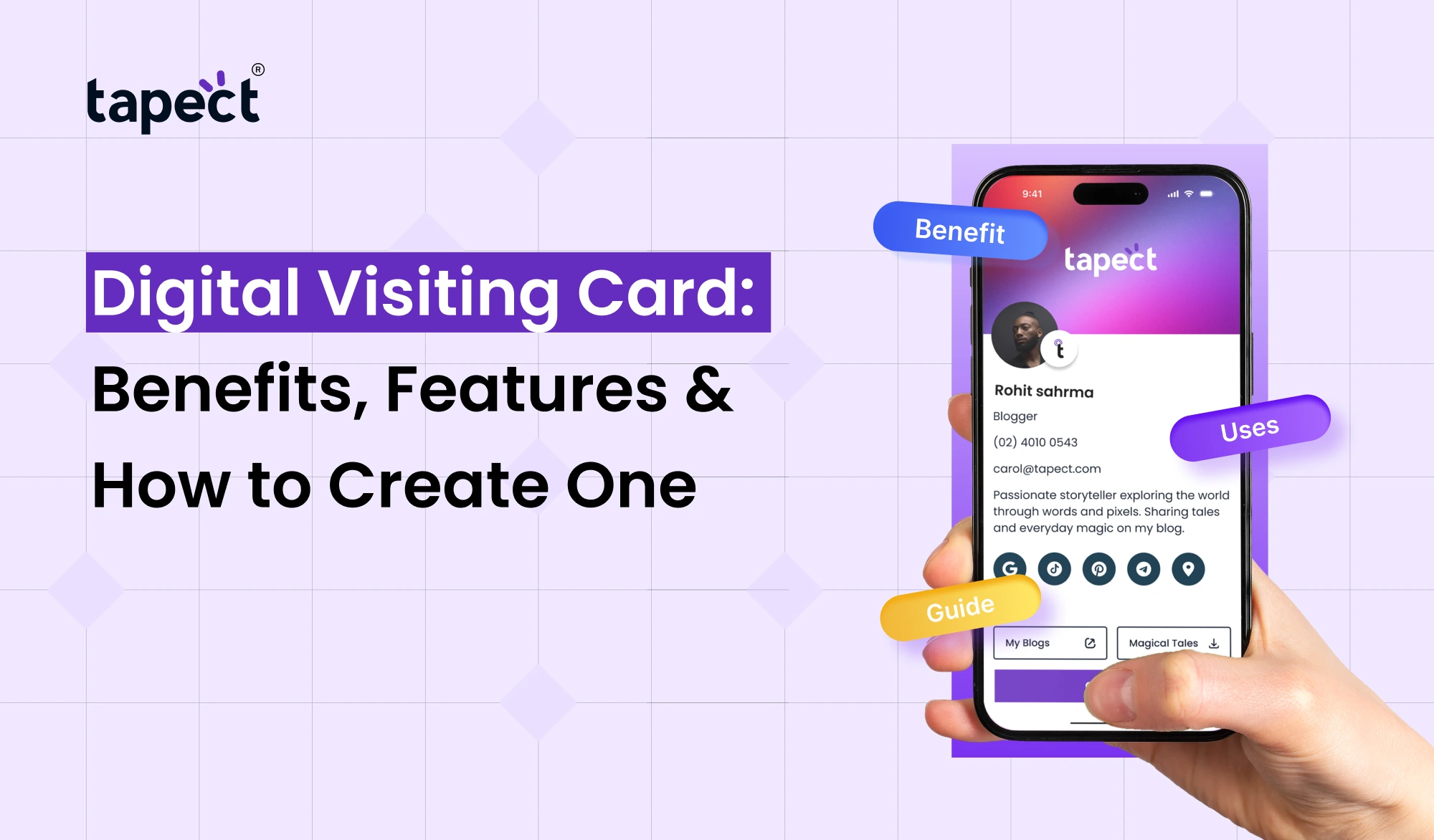
Sharing contact details should be easy. Whether you meet a new client, attend a business event, or connect with someone on social media, you want to be memorable and accessible. Traditional paper cards can work, but they can also be lost, damaged or thrown away.
Digital Visiting Cards are a modern way to share your professional details. Share all your important info like contact info, website, social media links etc. with one link or QR code. The other person can open your profile on their phone without having to carry an extra piece of paper.
Tapect is an app that makes it easier for professionals and businesses to exchange contact information and network with one another. Let’s go over the benefits, useful features, and steps to create your own digital card.
What Is a Digital Visiting Card?
Digital Visiting Card is an electronic visiting card for traditional visiting cards. This includes your name, job title, phone number, email address, company name and other information that enables people to contact you.
No more printing hundreds of cards – share your profile with a link, QR code or compatible NFC card.
Let’s say you meet a potential customer at a business event. In seconds you can share your card so they can see your contact details and visit your website whenever they need your services.
A Digital business card is useful for:
- Business owners and entrepreneurs
- Sales and marketing professionals
- Freelancers and consultants
- Job seekers and employees
- Real estate agents and service providers
It’s a practical choice for anyone who wants to make networking easier.
Benefits of Using a Digital Visiting Card
Digital Visiting Card: Share your details more conveniently. Switch to Digital Visiting Card. Some of the main advantages are:
1. Share Contact Details Quickly
When you meet someone, you don’t need to look for a paper card. Simply send them your profile link or have them scan your QR code.
Your online business card makes it easier for customers, partners and colleagues to find your contact information whenever they want it.
2. Save Money on Printing
If your phone number, job title or company information changes, you will need to re-order printed cards. It allows you to update your information without printing a new batch of cards.
This reduces companies’ costs of repeated printing and keeps their details current.
3. Make a Strong First Impression
A clean professional card can help people to remember you. You can upload your company logo, profile photo, brand colours, website link, and social media links to create a profile that reflects your business identity.
A good card gives potential clients an easy way to find out more about your work.
4. Share More Than Just the Basics
Paper cards don’t leave much room. An Electronic business card can link people to a lot more than your name and your phone number.
You may include:
- Company website and service pages
- LinkedIn and other social profiles
- WhatsApp contact links
- Portfolio or product pages
- Booking links and enquiry forms
- Business location and email address
These details help people understand what you offer prior to contacting you.
5. Support Eco-Friendly Networking
Use less printed cards and cut down on paper. Digital sharing can be a useful step for companies looking to eliminate unnecessary printing, although it does not remove all of the environmental costs.
6. Make Follow-Ups Easier
A meeting is the start of a business relationship. People can save your details and return to your profile later when it’s easy to contact you.
You can also use a Digital contact card to direct visitors to your website, service page or enquiry form so you can convert new connections into potential leads.
Important Features of a Digital Visiting Card
Before designing your card, think about the features that will be useful for your work.
Custom Profile Design
Find the right layout for your business. Add your name, job title, logo and brand colours. Keep the design simple so that visitors can easily find important details without having to search through a crowded page.
QR Code Sharing
QR code is the quickest way for people to open your profile. They can read the code on a traditional card or the one you show on your phone or add to a presentation.
Ensure the code is clean and it opens the correct page.
NFC Tap-to-Share
An NFC business card lets you share a digital profile from a compatible card or device. The recipient then taps a compatible smartphone against the card to access the information attached to it.
NFC and QR code sharing are complementary. For those who prefer to scan, there is the option of the QR code to access.
Clickable Contact Details
Your card should make it easy to act. For instance, visitors should be able to tap your phone number to call you, or click your email address to send you a message.
You can add direct links to WhatsApp, social media and your website.
Easy Profile Updates
As your career or business grows, your contact information may need updating. An editable service tied to a digital profile can be updated without changing the printed QR code, as long as the original link is the same.
Lead Generation Options
If you want to generate new customers, link your card to a relevant service page or enquiry form. You can also add a booking link so interested visitors can schedule a meeting.
Some services offer scan analytics or visitor data. See what features are included in your selected plan.
How to Create a Digital Visiting Card
It doesn’t need to be hard to create a Digital Visiting Card. How to begin: 1. Do these steps to begin.
Step 1: Choose a Digital Card Platform
Pick a platform that has the features you want. If you want to link digital profiles with QR code or NFC card sharing, then one option to explore is Tapect.
Compare design options , profile updates , sharing options and available plans to choose a service .
Step 2: Add Your Professional Information
Start with the information people need to contact you.
Include:
- Full name and job title
- Company or business name
- Phone number and email
- Website address
- Professional social media links
Include anything you are comfortable sharing publicly.
Step 3: Customize Your Design
Choose a readable font and a clean layout. Add your logo and brand colors to make the card easy to recognize.
Avoid adding too many links or long paragraphs. Your main contact details should be easy to find on a mobile screen.
Step 4: Add a QR Code or NFC Card
Create or link to a QR code that will access your digital profile. If you are using an NFC card, ensure that it points to the correct profile link.
Test both methods on several compatible smartphones before giving it to customers.
Step 5: Test Every Link
Open your card and verify each button. Ensure your phone number, email, website, social links and enquiry form work properly.
Have a friend or colleague test the profile as well. A small mistake can prevent a potential client from contacting you.
Step 6: Start Sharing Your Card
Share your profile in meetings, networking events, sales calls and online conversations. You can also share its link in your email signature, on your website and social media profiles.
Check your results and refine your card as needed.
Digital Visiting Card vs Traditional Business Card
Both options can help people remember your business, but they do so in different ways.
Traditional business card:
- Easy to hand over during face-to-face meetings
- Does not require a phone or internet connection to read printed details
- Needs reprinting when information changes
- Has limited space for additional information
Digital Visiting Card:
- Can be shared through a link, QR code, or compatible NFC card
- Can include clickable links and additional business information
- May be updated without reprinting when linked to an editable profile
- Can help visitors reach your website or enquiry form
You can choose more than one. Printed cards paired with a digital profile can give people more ways to reach you.
Tips to Get Better Results From Your Digital Card
Creating a card is just the first step. Use these tips to make it helpful.
- Keep it professional: Use a clear photo, readable text, and consistent branding.
- Add a call to action: Try phrases such as “Save My Contact,” “View Our Services,” or “Book a Meeting.”
- Focus on your audience: A sales professional may need a booking link, while a designer may want to highlight a portfolio.
- Check your details regularly: Update your role, phone number, and website when they change.
- Share it at the right time: Send your card after a meeting or when someone asks how to contact you.
- Measure results where possible: If your platform supports analytics, review scans, clicks, or enquiries to see what works.
These simple steps can help you create stronger connections and make follow-ups easier.
FAQs on Digital Visiting Cards
1. What is the purpose of Digital Visiting Card?
It is used for publishing professional contact information online. People can see your profile and view your phone number, email, company information, website, and social links.
2. Is Free Visiting Card Online?
Some platforms have free plans, while others charge for extra features like custom branding, analytics, or team management. Check the current features and pricing before you sign up.
3. Can I send a card without printing out?
Yeah. You can share the profile link via email, WhatsApp, messaging apps or social media. You can also show its QR code on your phone.
4. What is the difference between an E visiting card and an NFC card?
E-vite card is a digital contact profile that can be shared on the Internet. An NFC card is a physical card that has a chip that can open an associated profile on a compatible smartphone. They can be used together.
5. Can a digital contact card help you generate leads?
Yes. You can link it to your website, service pages, booking calendar or contact form. It can help with lead generation but results depend on your offer, audience and follow up process.
6. Can I change my digital card later on?
Generally, yes, if your provider allows editing of the profile. If your profile URL is still current, you can change your contact information and links without having to reprint.
7. Are virtual business cards good for small businesses?
Sure. Local shops, freelancers, small companies and consultants can use a virtual business card to share their contact information and send potential customers to their services.
Conclusion
A Digital Visiting Card is an easy way to make professional networking easier. It lets you share contact information, highlight your services, interact with customers and reduce printing repeatedly.
There are many ways to make your card useful in everyday business, from QR code sharing to NFC technology. The secret is to keep your profile clean, include the right links, and provide an easy next step for visitors.
Want to make networking simple? Tapect digital business card solutions to share your professional details in a digital profile, QR code or NFC card. Build your digital presence and make every new connection count.