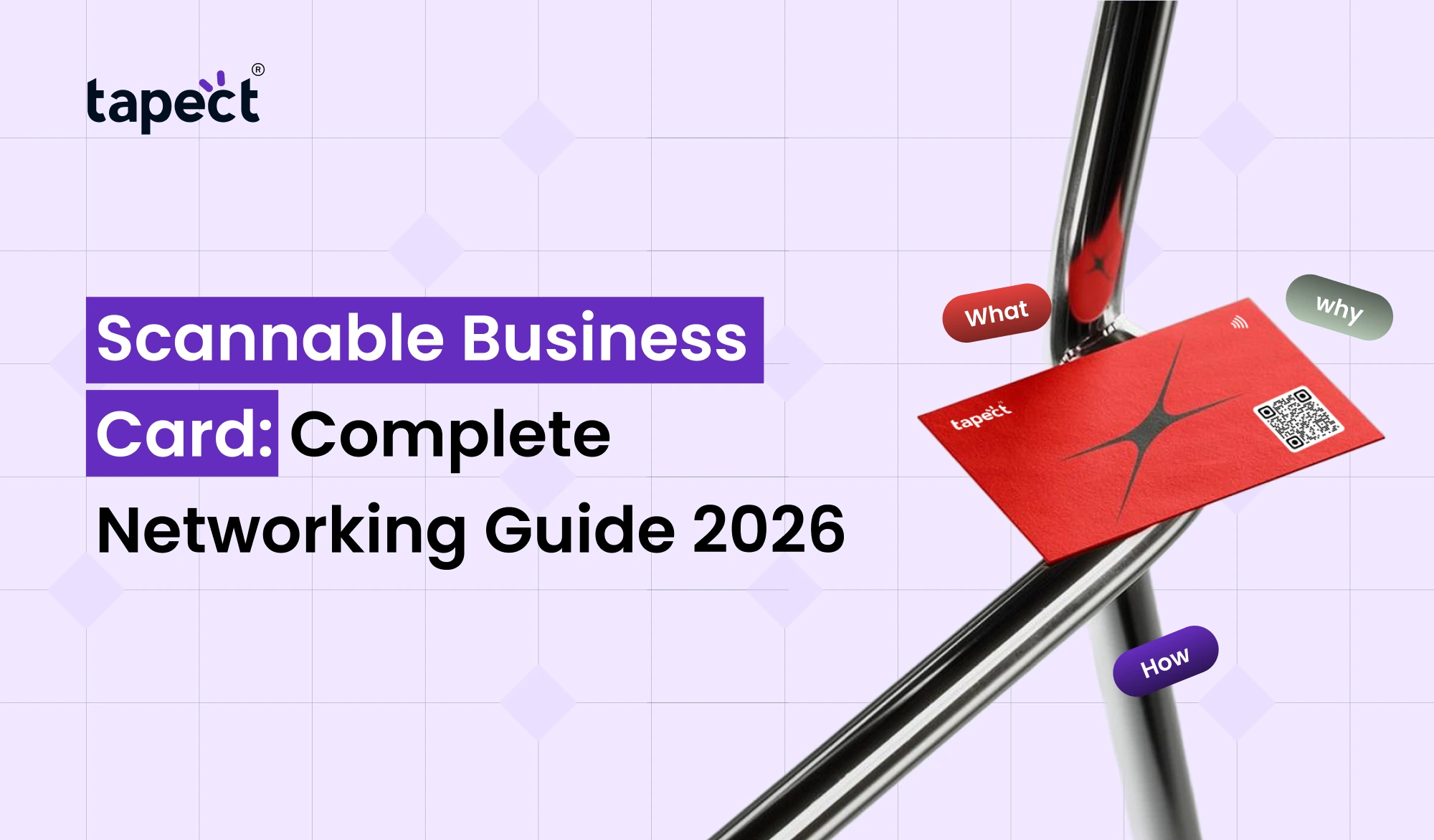
Networking has changed a lot in the last couple of years. People don’t want to type a phone number or email address from a paper card anymore. They want your details immediately, fast, contactless. That’s why the Scannable Business Card is one of the most useful networking tools in 2026.
A Scannable Business Card allows someone to scan a QR code or tap an NFC chip to access your contact information, website, portfolio or social media profile. It saves time, looks professional and helps you to get more leads at meetings, events and business conferences.
In this guide, you will learn about what a Scannable Business Card is, how it works, why it is better than traditional cards, and how to use it effectively for networking and lead generation.
What Is a Scannable Business Card?
A scannable business card is a business card that can be scanned by a phone. It doesn’t just display printed information, it links the card to a digital profile.
When someone scans the code or taps the card, they can immediately:
- Save your contact
- Visit your website
- Open your LinkedIn profile
- View your portfolio
- Send you a message
- Access your digital visiting card
This makes the Scannable Business Card far more interactive than a traditional paper card.
Why Scannable Cards Are Trending in 2026
Business owners, freelancers, sales teams and consultants are increasingly embracing digital networking. This transition is a perfect match for a Scannable Business Card.
People Expect Instant Access
Nobody wants to type in contact details any more. A quick scan is faster and more accurate.
Networking Happens Everywhere
A Scannable Business Card makes it easy to share information at trade shows, coffee meetings, coworking spaces, and online events.
Better Follow-Up
If someone saves your details straight away then the chances of losing the connection become a lot lower.
How a Scannable Business Card Works
A Scannable Business Card usually functions in two ways.
Scanning a QR code
Business card design QR code on the card. The smartphone camera scans the code and the digital profile opens.
NFC Tap Technology
An NFC business card has a tiny chip embedded in it. The other person just touches the card with their phone and gets your information.
The two techniques are rapid, non-contact and easy to operate.
QR Code Business Card vs NFC Business Card
Many people ask which is better. The answer depends on your networking.
QR Code Business Card
- Works on almost all smartphones
- Easy to print on any card
- Lower cost
- Great for large events
NFC Business Card
- Feels more premium
- Works with a simple tap
- No need to open the camera
- Excellent for client meetings
A modern Scannable Business Card with QR and NFC features can be at maximum compatibility.
Benefits of Using a Scannable Business Card
1. Faster Contact Sharing
A Scannable Business Card eliminates the need to type. All the details in one scan.
2. Fewer Errors
People often write phone numbers incorrectly on paper cards. Digital sharing doesn’t make those mistakes.
3. Professional Image
A smart business card makes you look modern and tech-friendly.
4. Easy Updates
A virtual business card allows you to update your phone number, email or website without having to reprint cards.
5. More Lead Opportunities
A Scannable Business Card can take people straight to a lead form, booking page, or WhatsApp chat.
What Information Should You Include?
Maintain a clean and useful digital profile. Scannable Business Card works best when the information is easily understood.
Include:
- Full name
- Job title
- Company name
- Phone number
- Email address
- Website
- LinkedIn profile
- Portfolio or product page
- Call-to-action button
Avoid adding too many links. Simple profile gets more engagement .
Best Design Tips for a Scannable Business Card
Because people decide within seconds whether they want to scan your card, design is important.
Keep the Layout Clean
plenty of white space and not cluttered.
Display QR Code
Your QR business card should have a clear scannable code with good contrast.
Add Short Instruction
Instances :
Scan to save my details
Tap to Join
Look for portfolio mine
Use Brand Colours :
Scannable Business Card should reflect your company brand.
How Tapect Makes Networking Easier
Tapect helps professionals create a new-age Scannable Business Card that marries style with smart technology.
Tapect allows you to:
- Share contact details instantly
- Use QR and NFC in one card
- Create a professional electronic business card
- Update your profile anytime
- Track engagement and connections
Tapect is a great choice for entrepreneurs, sales professionals and growing businesses.
Scannable Business Card for Different Professionals
With a Scannable Business Card, sales teams can capture leads on the fly at exhibitions and when they’re out visiting clients.
Property Agents
Agents can directly connect property listings from the card.
Free lancers
Instant portfolio showcase for designers, developers and marketers.
Consultants
Consultants can link prospects to booking calendars and service pages.
Founders of startups
A Scannable Business Card makes a great first impression when you meet with investors and partners.
How to Create a Scannable Business Card
Step 1: Select Your Platform
For example, choose a provider such as Tapect that has QR and NFC capabilities.
Step 2: Create Your Digital Profile
Add your contact info, website, social links and business info.
Step 3: Create the QR Code
Make a quality, professional QR code business card that is easy to scan.
Step 4: Incorporate NFC Technology
If you want premium experience, turn on NFC on the card.
Step 5: Test It All
Test the card on different phones before using it at events.
Common Mistakes to Avoid
Small code is difficult to scan.
Using a Tiny QR Code
Your Scannable Business Card needs to load fast.
Too many buttons added
Users are confused by the number of options available.
Forgetting a Call to Action
Tells people what to do next after scanning.
Not Updating Information
An old-fashioned virtual business card can make you miss opportunities.
How to Get More Leads with a Scannable Business Card
A Scannable Business Card is a lead-generation tool when you ask people to take action.
Make a Landing Page
Create a page with your offer, testimonials and contact form.
Add WhatsApp or Call Button
Make it easy for prospects to contact you right away.
Give something of value
Examples:
- Free consultation
- Free audit
- Demo booking
- Discount code
- Downloadable guide
Prompt Follow Up
If someone scans your card, reach out within 24 hours if you have their contact information.
Future of Scannable Business Cards
The future of networking is digital, mobile and contact-less. The Scannable Business Card is quickly becoming the go-to tool for professionals wanting faster connections and improved lead tracking.
As the quality of smartphones improves, features such as:
- AI-powered contact management
- CRM integration
- Smart follow-up reminders
- Advanced analytics
- Personalized landing pages
will make solutions for Scannable Business Card more powerful.
FAQs
What is a Scannable Business Card?
A Scannable Business Card is a business card that employs QR or NFC technology to share contact information in digital form instantly.
Will a QR business card work on all phones?
Yes, most modern smartphones have a built-in camera to scan a QR business card.
Are NFC business cards better than QR code business cards?
NFC business cards offer a more premium tap experience, while QR code business cards work with a wider range of devices. Many professionals use these both.
Can I alter my information later?
Yes. A virtual business card means you can update your details without having to print new cards.
How does a Scannable Business Card help with leads?
It can take prospects directly to a contact form, booking page, WhatsApp chat or sales landing page, making follow up a much easier task.
Conclusion
The Scannable Business Card is no longer a trend. It is a practical networking tool that helps professionals share information faster, look more current, and create more business opportunities.
Whether it is a QR code business card, NFC business card or a complete electronic business card solution, the goal is the same – make it easy for people to connect with you.
The best 2026 professionals are the ones who eliminate the friction from networking. This is what a Scannable Business Card does; it converts a simple card into a smart, interactive connection point.
Ready to Upgrade Your Networking?
Stop giving out cards that get lost in a wallet.
Design your Tapect Scannable Business Card today, and share your contact details, portfolio, website and social profiles in one scan or tap.
Start with Tapect and make every business meeting matter.